Hi DeepModer,
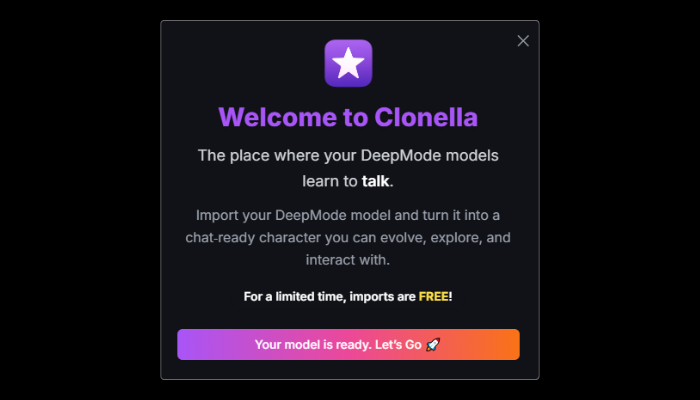
We’re excited to announce a brand-new feature that brings DeepMode and Clonella even closer together.
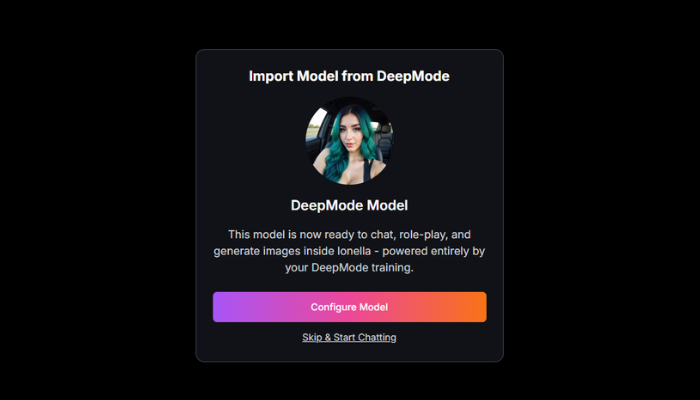
You can now import your DeepMode models directly into Clonella and chat with them anytime.
Your creations instantly become interactive. Full conversations, personality customization, and image replies included.
How To Import Your Model?
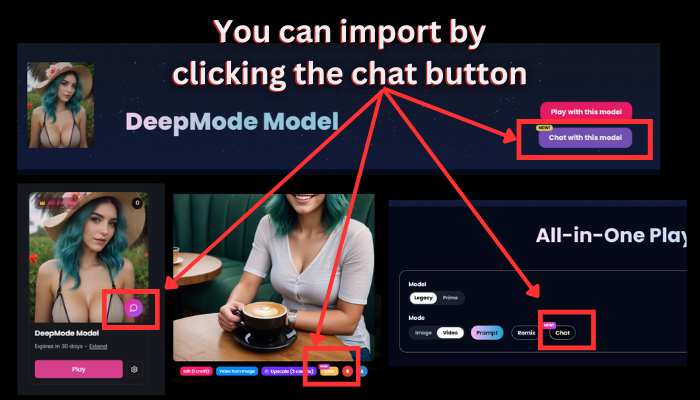
1. Go to your DeepMode dashboard and click the chat button.
The chat button can also be found in your model's creations page and even on playground.
2. You will be redirected to Clonella immediately where you can customize your model personality and chat with them!
That's it! Just few clicks and you have your own model that you can chat with.
Here's what to keep in mind:
- You can only import Video Models and All In One Models
- Your DeepMode email and Clonella email should match to import your model
If you’ve ever wanted to bring your AI creations to life in a more personal way, Clonella is now the easiest place to do it.