Designing quicker is often about muscle memory. The less you have to hunt
through menus, the faster you ship.
So we added a couple new hotkeys to handle device conversions and rolled out
sequential flow on screen generations, which will lead to better consistency on
flows.
Another key thing to mention is that we have also fixed an interruption whithin
the Agentic chat workflow, sometimes the AI would sometimes "forget" your
reference screen when moving between steps.
Now, it remembers exactly what you are working on from the Flow List all the
way to generation. You don't have to re-select or re-explain contextyou just
keep building.
Quick
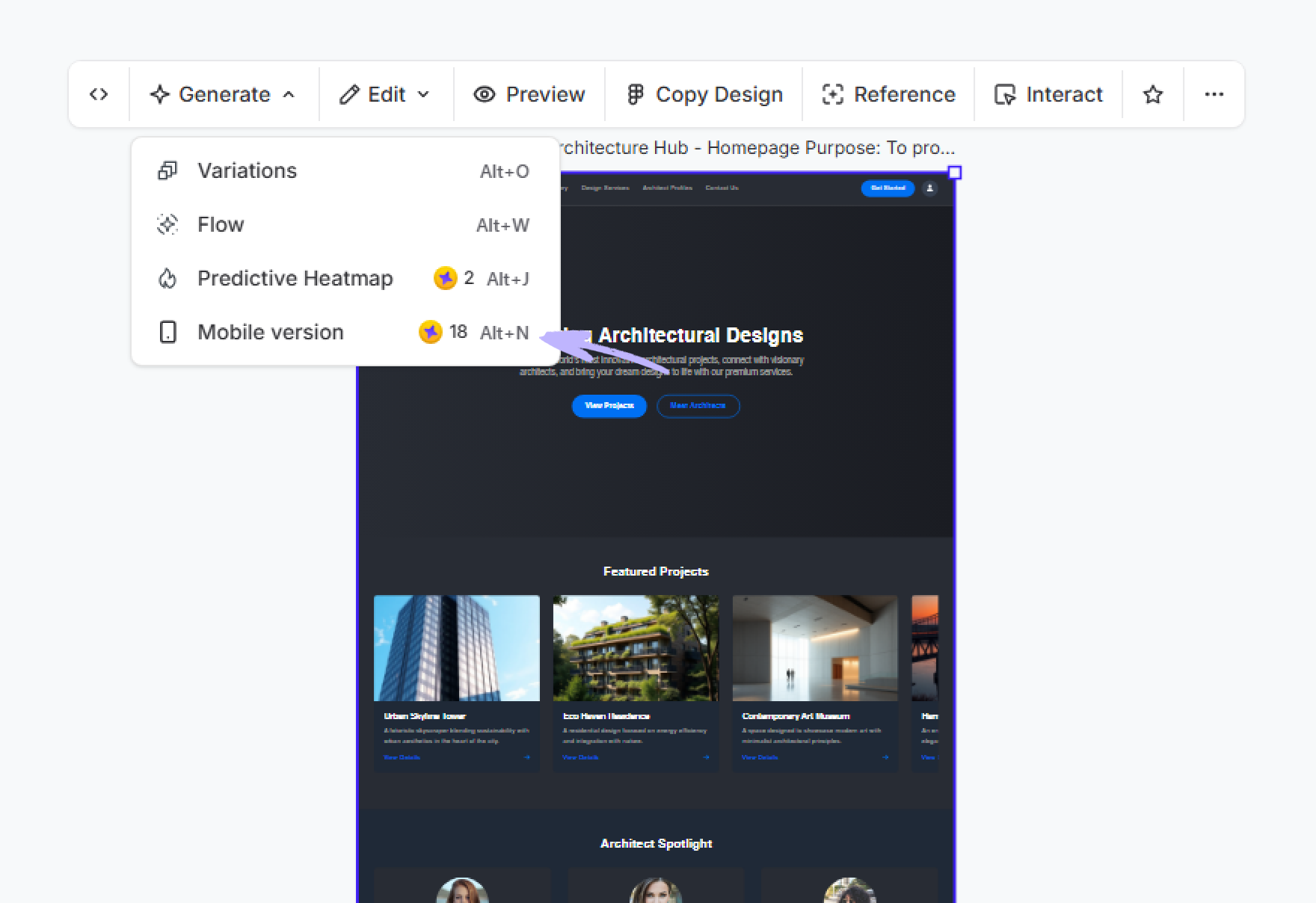
Convertion Shortcuts: Desktop ⇄ Mobile
You can now
generate new screens on different devices without leaving your keyboard, just
select which screen you want to convert and press use the shortcut according to
your OS.
- Desktop → Mobile:
Option + N (Mac) / Alt + N
(Win)
- Mobile → Desktop:
Option + K (Mac) / Alt + K
(Win)
Select a screen, hit the combo, and let the AI handle the responsive reflow
instantly.
Better Consistency with
Sequential Flow!
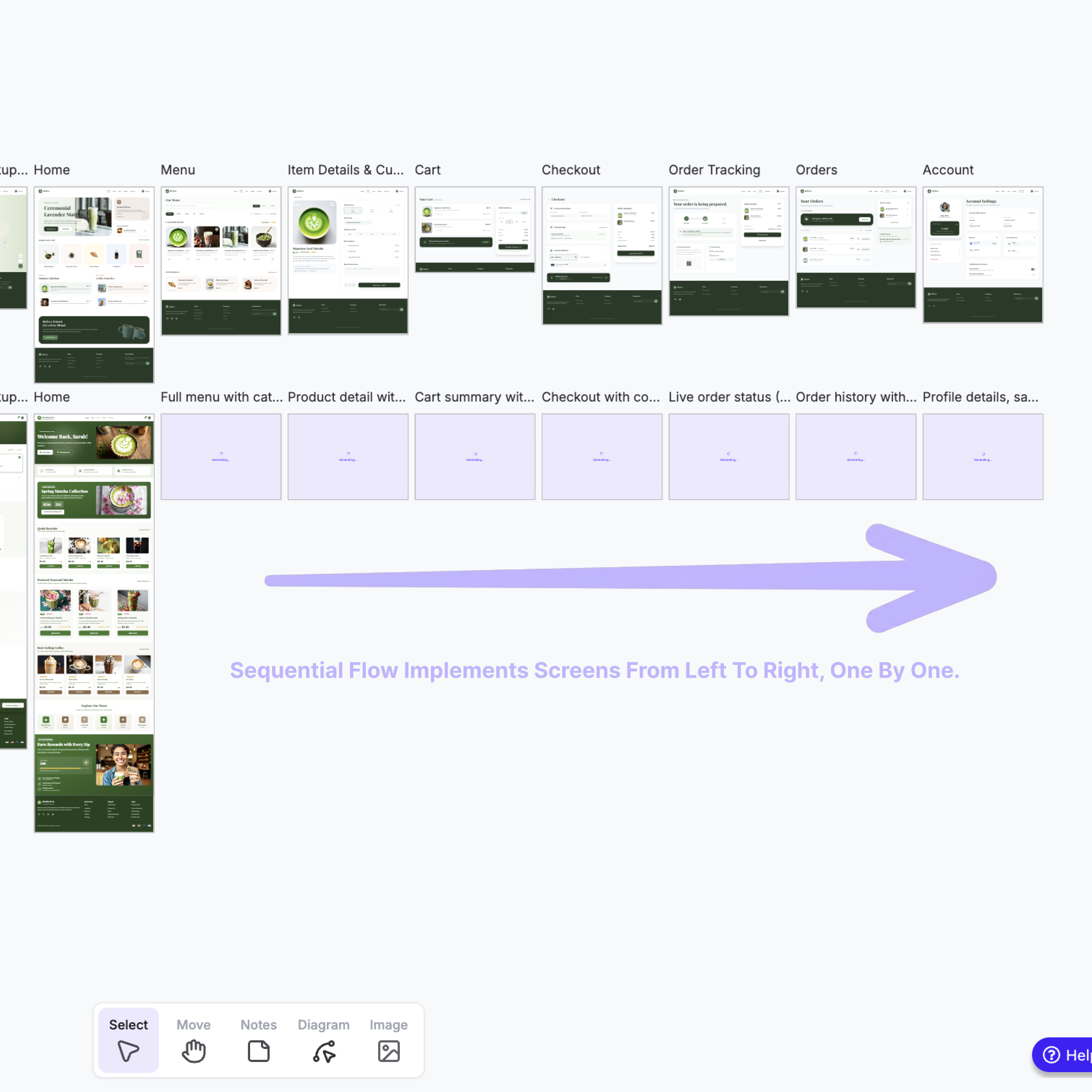
We made a fundamental change to how we generate flows to improve quality.
Screens in a flow now generate sequentially (one after another) rather than all
at once.
Give the new shortcuts a spin today and let us know if the smoother chat flow
helps you stay focused.