Create microsites with Visme’s new web page editor


Hey there, niepodam
We just launched something we think your team is really going to appreciate.
Visme's new Microsite Builder lets you design, build and publish branded web experiences without writing a line of code or waiting on developer support.
From campaign landing pages to product showcases and resource hubs, you can now take content from concept to live webpage without ever leaving Visme.
Top features of the Visme microsite builder
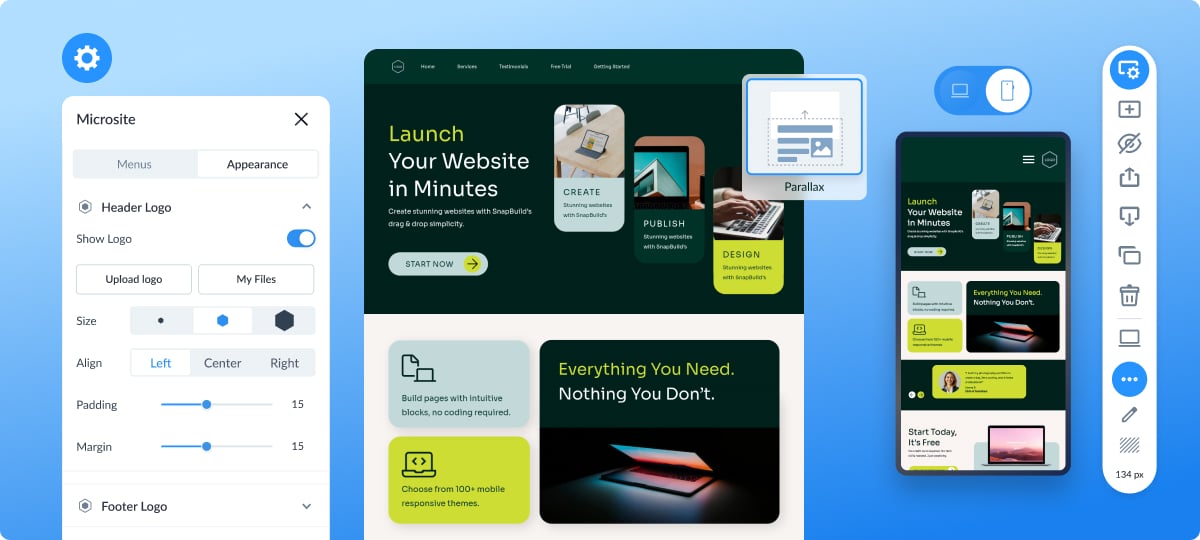
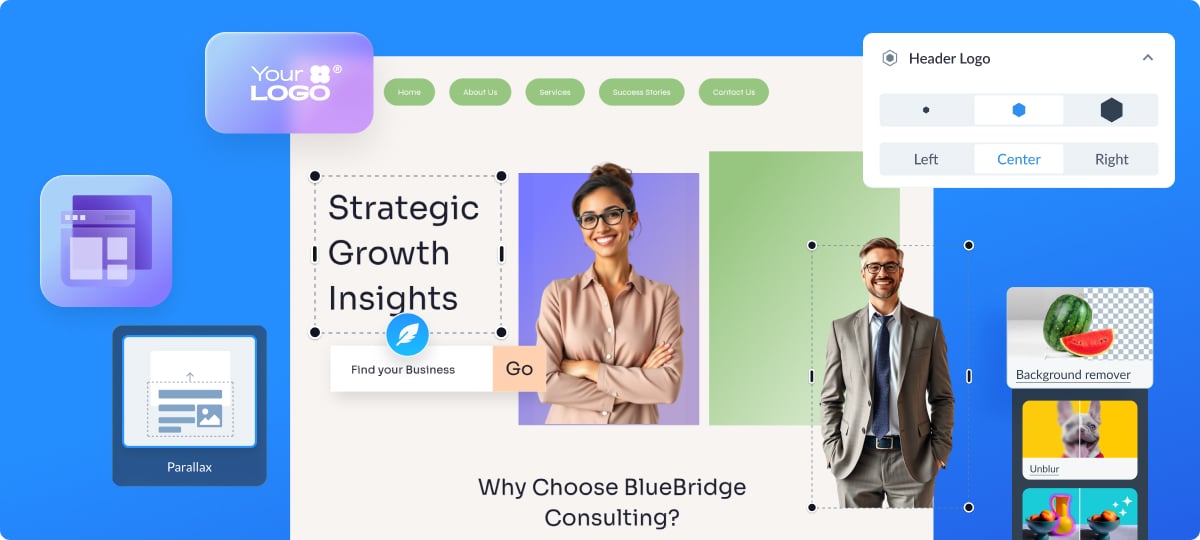
• A dedicated Microsite Settings window to customize the header, footer, menus, button, SEO settings, and social icons.
• A section toolbar for easy layout adjustments to move sections around, change their height, hide them, or change their background.
• Built-in responsive alignment for mobile with customizable options.
• Parallax and Fade transitions to add interactivity to your microsite.
• Easy publishing options with public or private settings using Visme’s server.
Now let's dive into what types of microsites can you create.
Branded Product or Service Landing Page
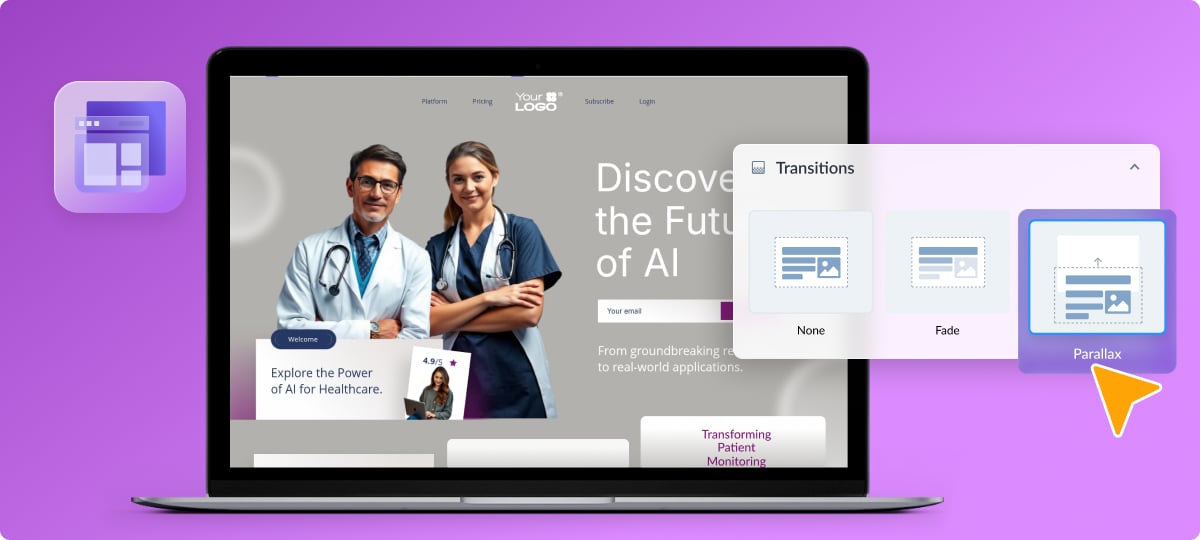
Launch a new product or promote a service with a dedicated landing page featuring several sections and a compelling CTA.
Add scrolling effects to create an engaging experience to keep visitors on-site. These microsites are perfect for campaign launches, limited-time offers, or highlighting your flagship service.
Multi-page Microsite For a Service or Content Pillar
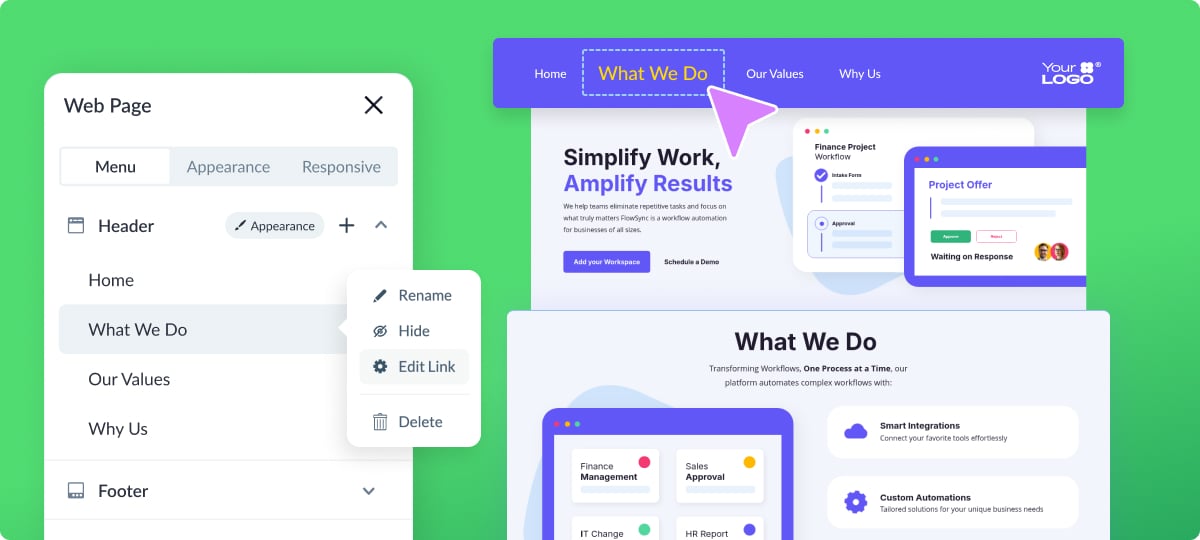
Build a mini-website dedicated to a specific topic with unique pages.
Using the microsite settings, you can build a navigation menu to connect multiple pages that each dive deep into a particular angle of your subject matter.
These are great for product lines, service overviews, educational content series, or knowledge hubs. Each page will maintain consistent branding through your custom header and footer.
Interactive Report or Proposal Microsite
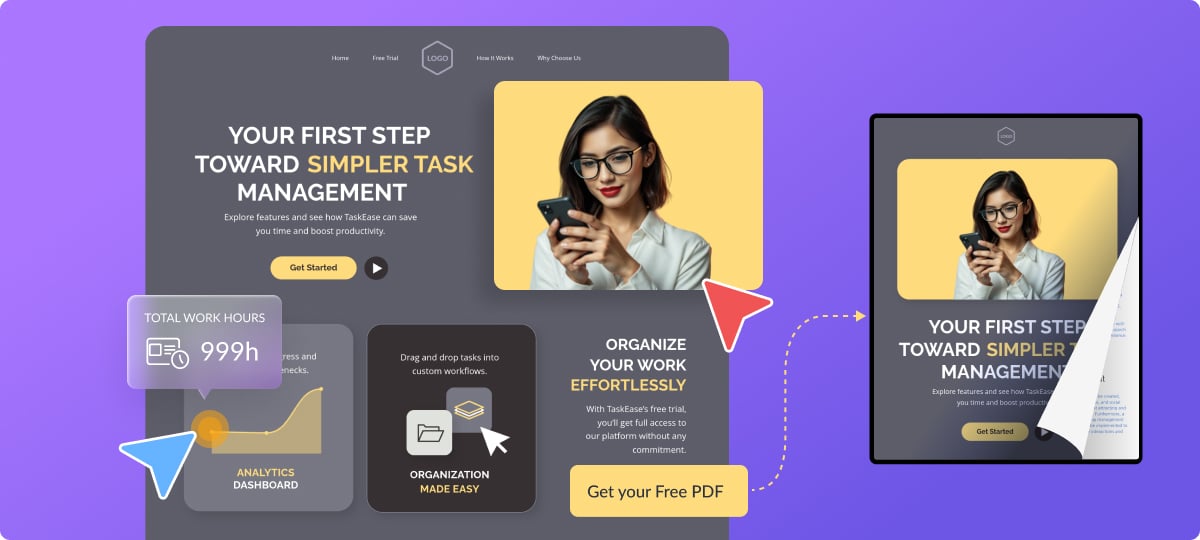
Build a mini-website dedicated to a specific topic with unique pages.
Using the microsite settings, you can build a navigation menu to connect multiple pages that each dive deep into a particular angle of your subject matter.
These are great for product lines, service overviews, educational content series, or knowledge hubs. Each page will maintain consistent branding through your custom header and footer.
How to create a microsite with Visme | Step by Step
1. Log in to Visme and click Create.
2. Select Microsite and choose a template or start from scratch.
3. Customize the header and footer for navigation and social links.
4. Structure your content sections and add your visuals.
5. Use AI Hub tools to generate text and images or edit your images.
6. Add scrolling transitions, meta tags, and mobile options.
7. Publish with a Visme URL or add your own domain.
Log in to your Visme account and try out the microsite feature today!

Victoria, Organic Growth Manager
Create anything. Make it beautiful.