
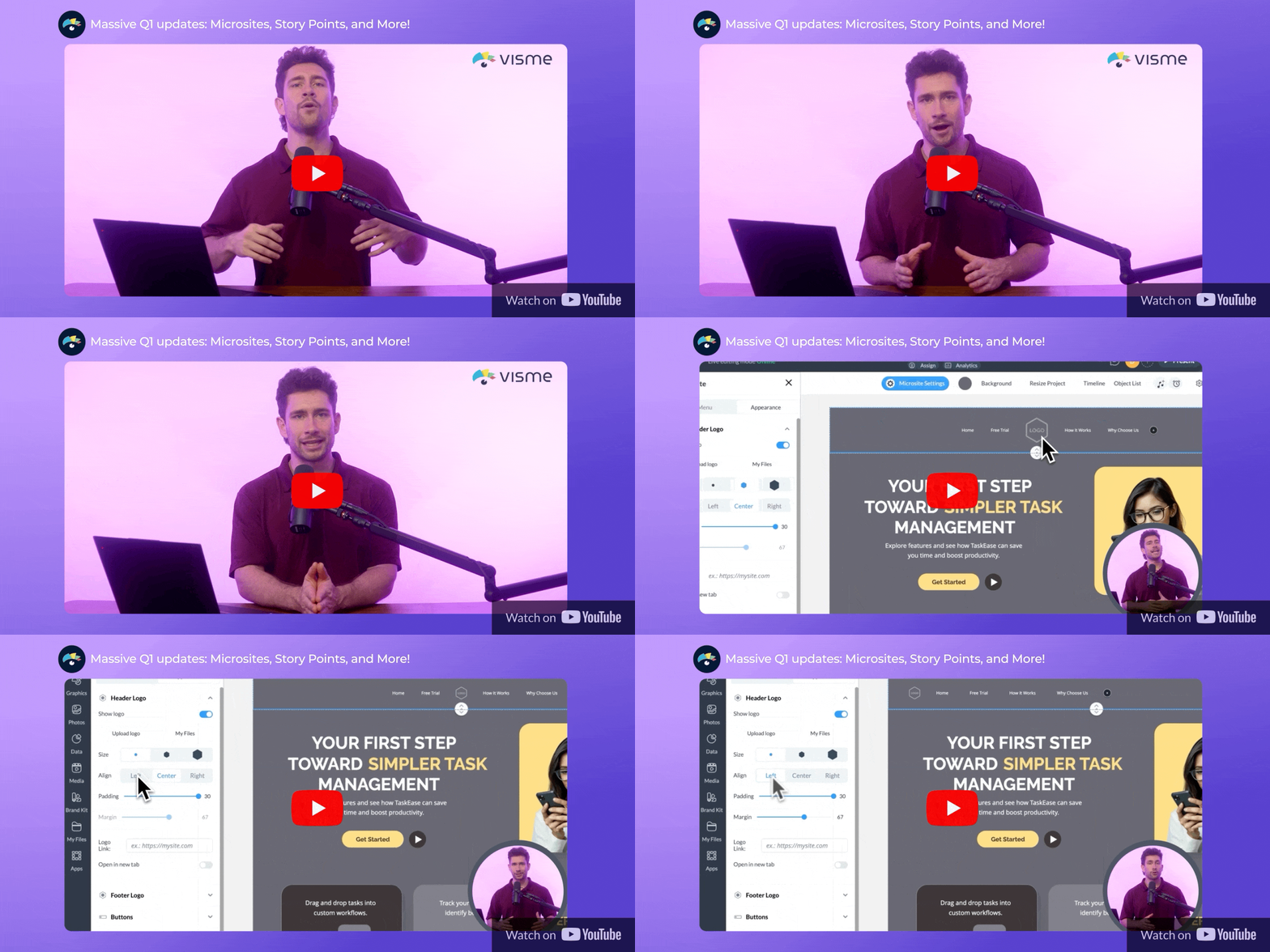
We're wrapping up the first quarter of 2026 with some massive updates!
Our team has been building new tools to make your content more interactive, your designs sharper and more polished. Plus, making your workflow faster than ever.
Introducing the New Microsites
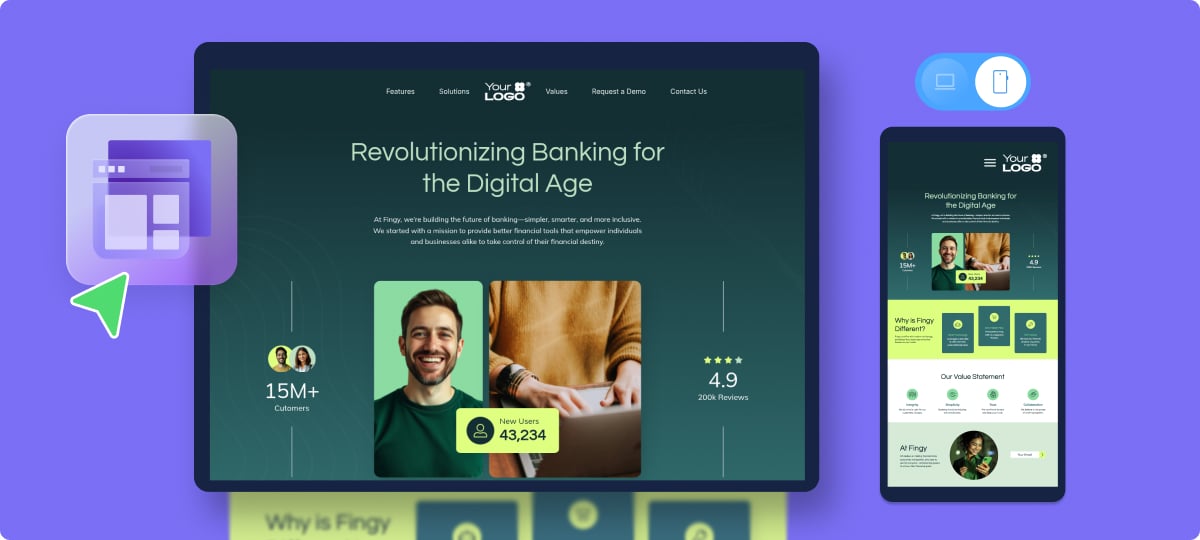
We've built a dedicated builder for creating immersive, standalone web experiences right inside your Visme editor.
Now your content isn’t limited to slides or documents. You can now create and share web pages that are scrollable, immersive, engaging and fully customizable without writing any code.
Effortlessly build header and footer menus, design custom buttons, add visual transitions, incorporate meta tags and optimize everything for mobile.
Guide Your Audience with Story Points
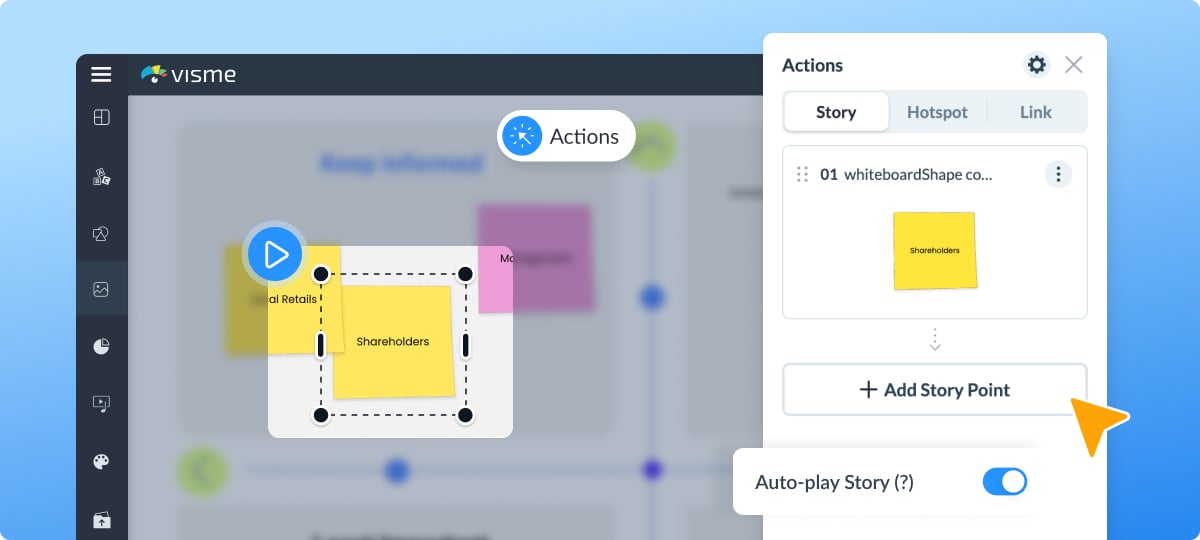
If you use our Whiteboard to brainstorm or map out complex ideas, you’re going to love Story Points. This new addition allows you to turn your whiteboard content into a step-by-step, interactive walkthrough.
Instead of overwhelming your audience with everything at once, you control exactly what they see and in what order.
Just select an object or area, turn it into a Story Point and drag to reorder them. You can even toggle Auto-Play to turn your whiteboard into a self-running presentation!
Pixel-Perfect Designs with Smart Blocks
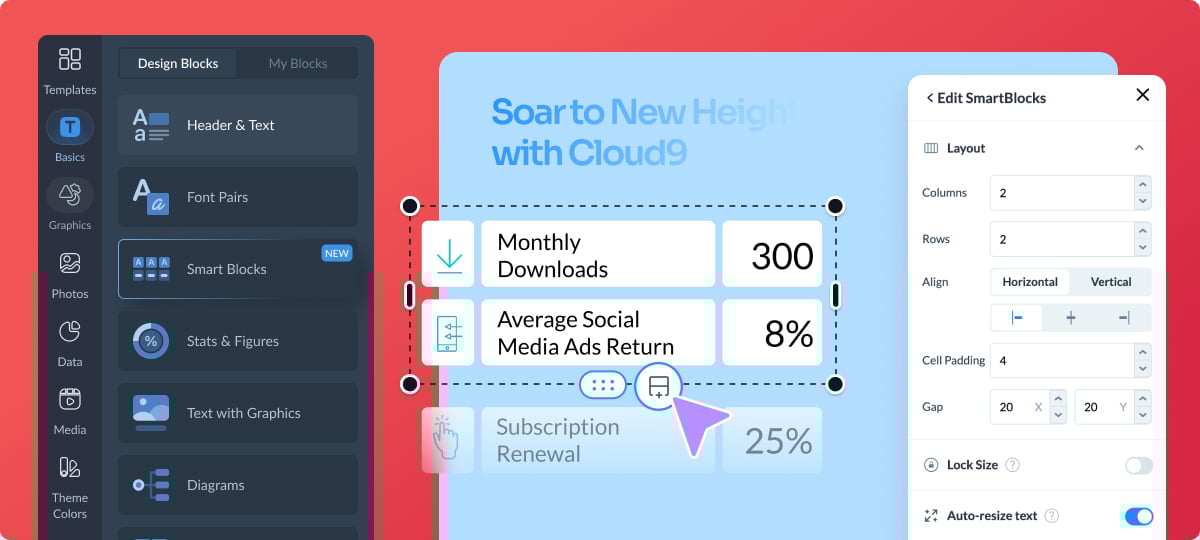
Struggling to get your alignment and spacing just right? Smart Blocks now make it a lot easier.
A Smart Block is a smart layout container that helps you set up visual compositions that are instantly aligned and balanced.
You have complete control over padding, gaps and alignment. Plus, the "Auto-Resize" feature scales your text and images proportionally as you resize a block.
⛳ Pro tip: They're also available in the AI Designer to help you customize generated projects without breaking the layout.
Keeping it Neat with Truncated Text
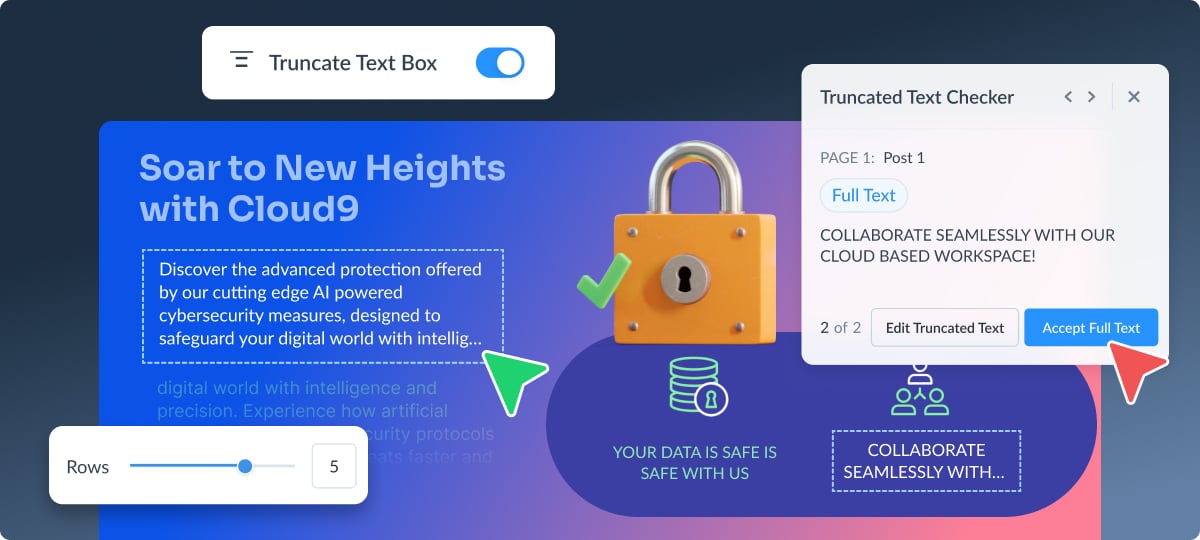
When working with lengthy content in the AI Designer, text boxes can easily overflow and break your layout.
Truncate Text solves this by limiting the number of rows displayed according to the template’s original design. You can then edit the text to make it shorter or enlarge the text box to fit the text.
Truncated text is also available in the editor while you work manually. Simply toggle it on and select the exact number of rows you want to show. You can then hover over the ellipsis to see the full content.
Add Double the Hotspots
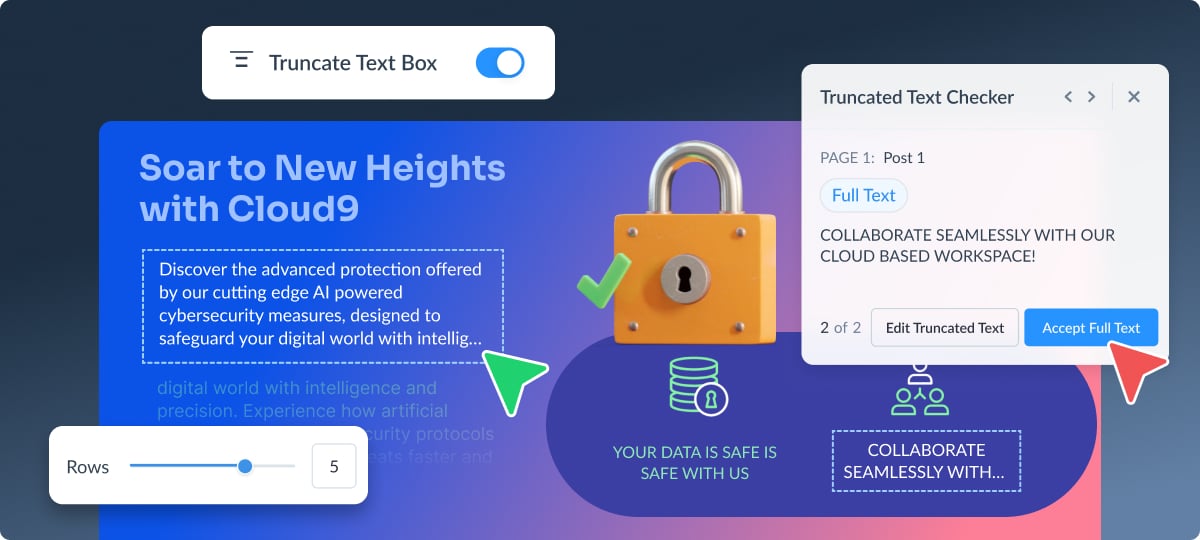
And last but not least, we’re bringing even more interactivity to your projects. Previously, you had to choose between different types of interactive actions for a single element.
Now, we’ve made it possible for objects to hold two hotspots and interactions that work together simultaneously!
Ready to take these new features for a spin?
Log in to your workspace and start creating today.
See you next time,

Ivan Escott
www.visme.co
www.visme.co
Create anything. Make it beautiful.