|
 |
 |
|
1. Assign Replies In Social Inbox |
|
|
|
|
|
|
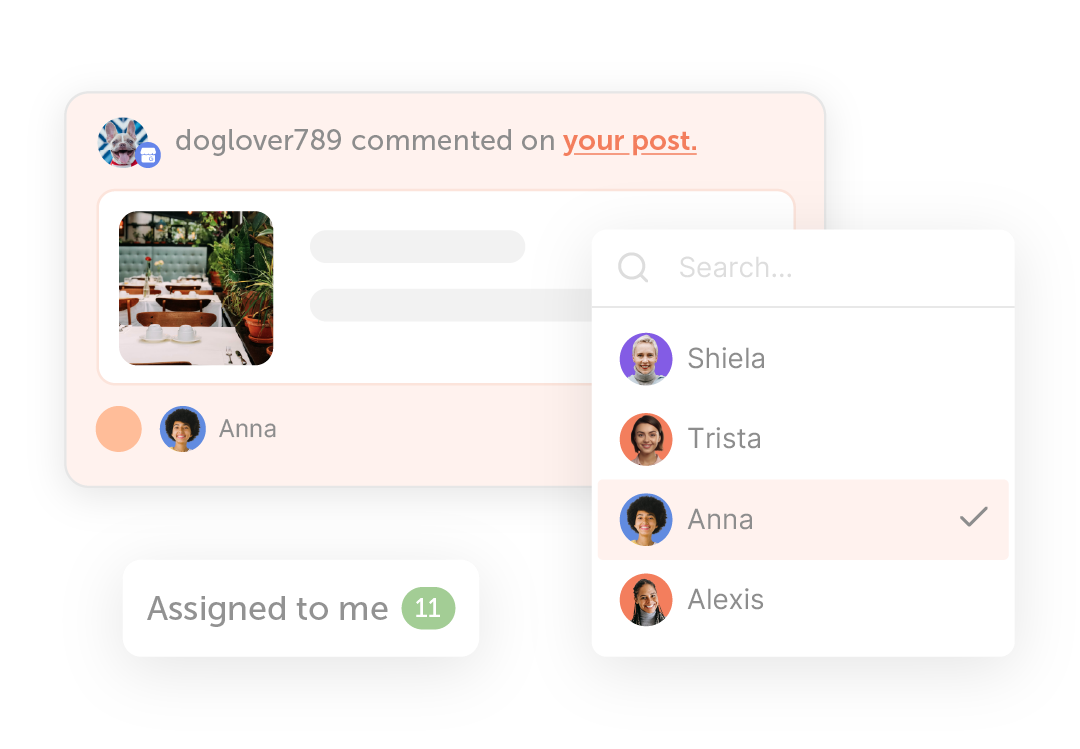
You can now assign messages directly to teammates inside Social Inbox, making it simple to route conversations to the right person and ensure nothing slips through the cracks. |
|
| Assign Replies |
|
|
|
|
|
2. Publish Images And Videos Together On Instagram & Threads |
|
|
|
|
|
|
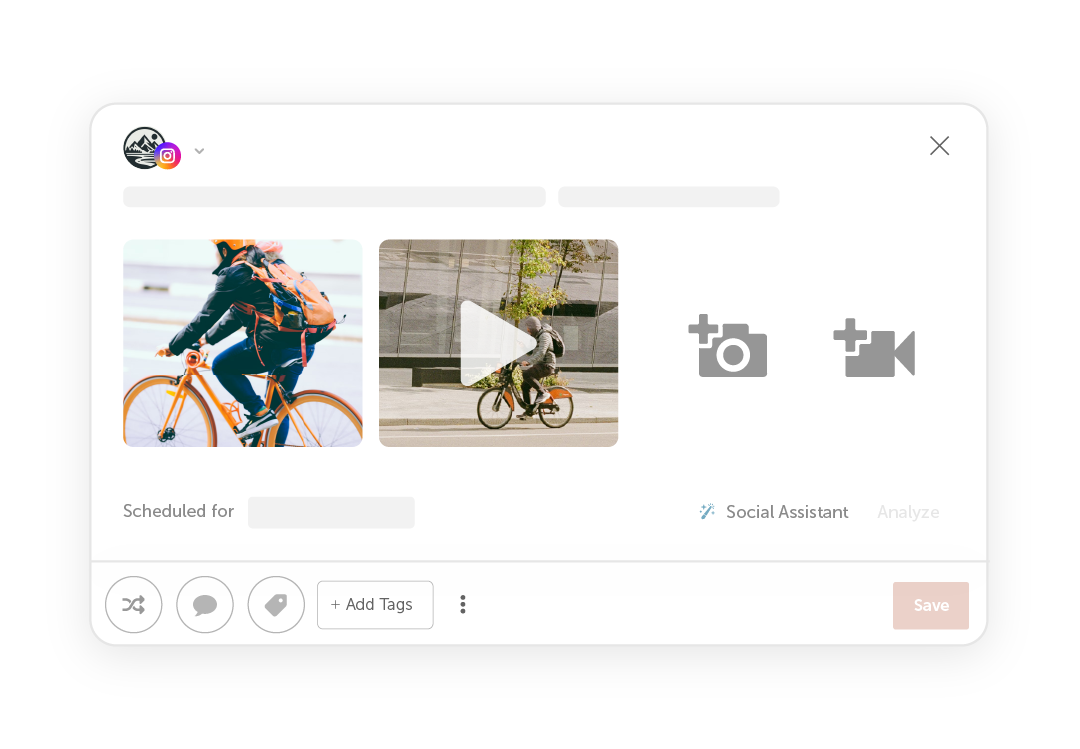
CoSchedule now supports multimedia posting on Instagram and Threads, allowing you to publish both images and videos together in a single post. |
|
| Publish Together |
|
|
|
|
|
3. Instagram Reports Now Include Shares Data |
|
|
|
|
|
|
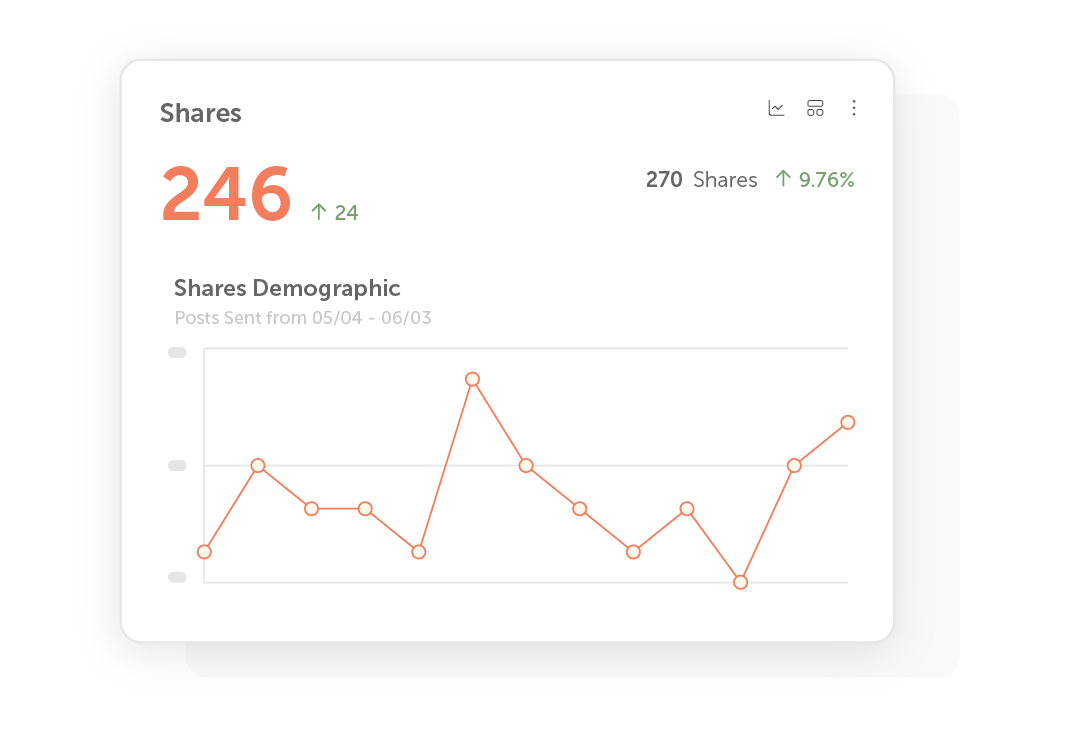
A new chart now tracks how often your content is shared, giving you deeper insight into which posts are resonating with your audience and encouraging further reach. |
|
| See Shares Data |
|
|
|
|
|
4. New Table View For AI Insights |
|
|
|
|
|
|
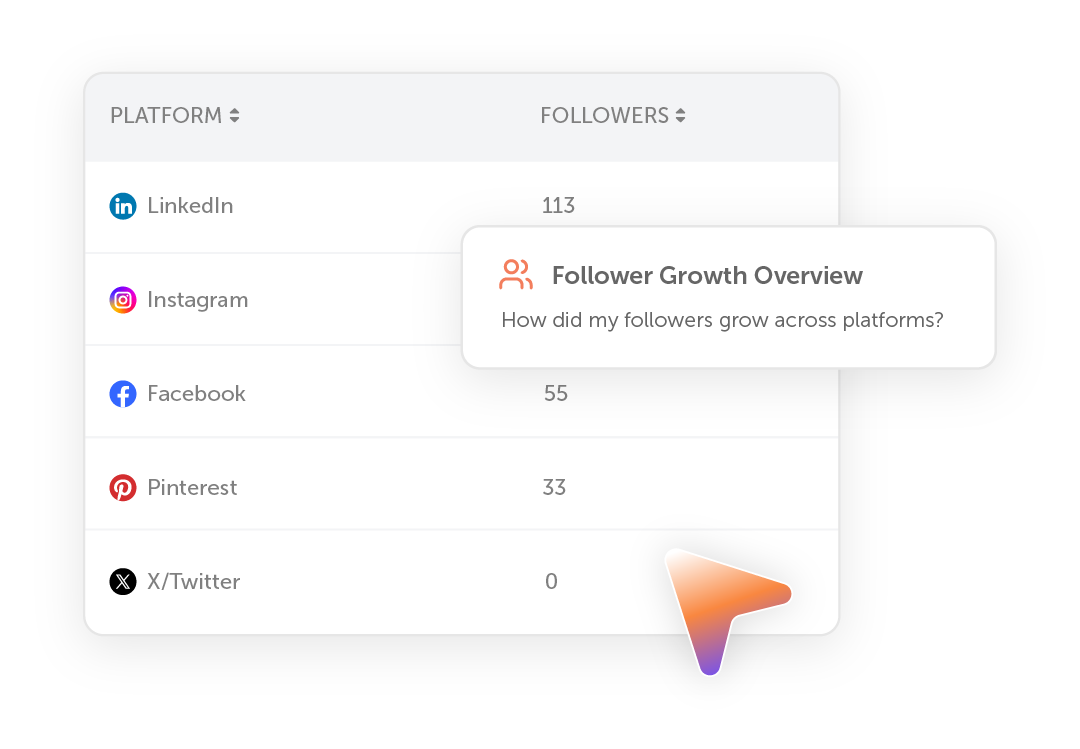
You’ll see a new Table View option to AI Insights.
In addition to bar charts, line charts, and pie charts, you can now view your results and create dashboards and reports in a clean, structured table format. |
|
| Use Table View |
|
|
|
|
|
Explore More Features |
|
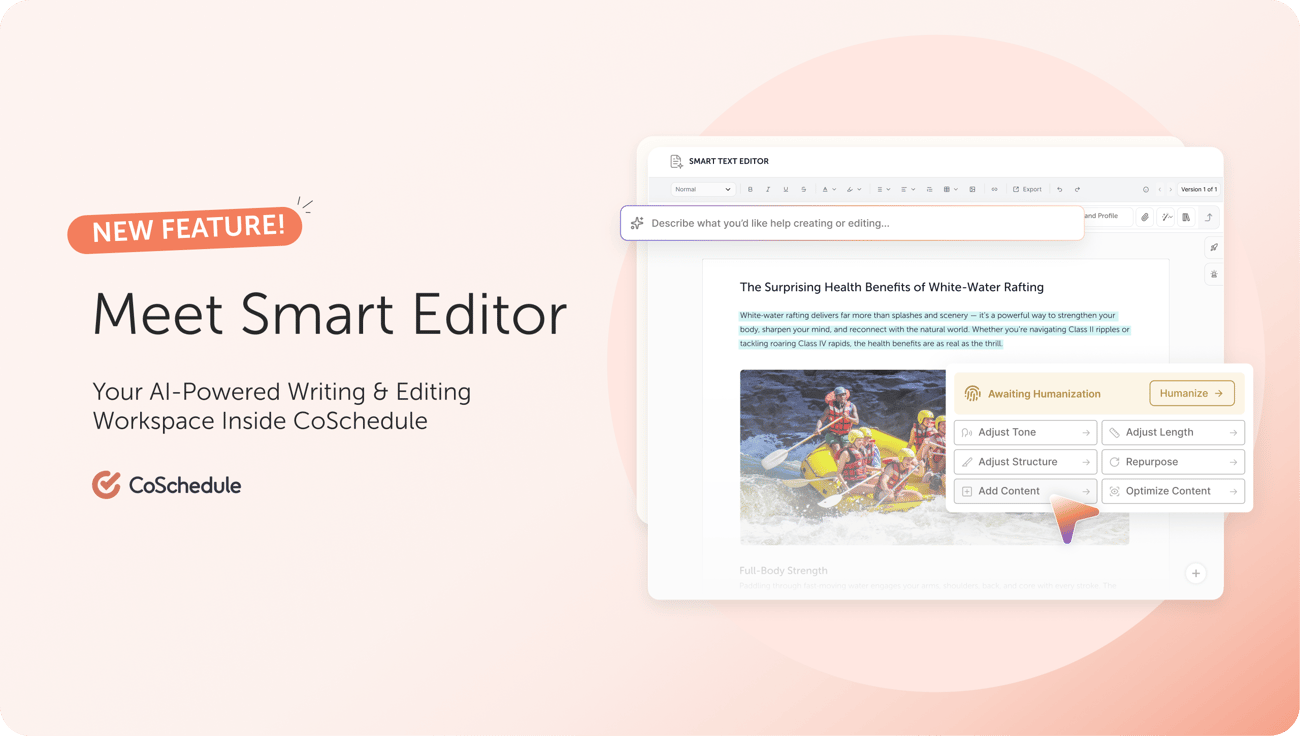
Meet Smart Editor: Your AI-Powered Writing & Editing Workspace Inside CoSchedule |
|
|
|
|
|
|
Format content easily, collaborate with your team, and keep every document connected directly to the projects and campaigns it supports. |
|
| See How It Works |
|
|
|