
Watch the $100K
finalists' trailers

Get inspired by the best 6 trailers. Who will be the ultimate winner?
Watch TrailersCreate a trailer inside Claude
Learn how to turn a script into a fully animated video trailer with the Artlist MCP.

|
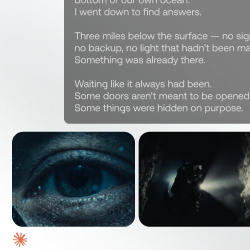
Step 01 Connect the Artlist MCP
Go to Claude Settings → Connectors, add your Artlist MCP link, and log in to sync your tools directly into the chat. |
|
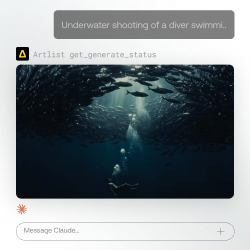
Step 02 Draft a storyboard
Feed Claude your script and ask for a low-credit storyboard first so you can preview shot composition and pacing without wasting high-tier credits. |
|
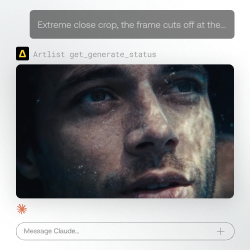
Step 03 Generate hero images with references
Produce your first scene using a 4K image model, then use that output as the anchor reference to batch-generate cohesive shots for the rest of the story. |
|
Step 04 Animate & Publish
Convert your stills into video clips right inside the conversation. Your trailer is ready to go straight out of Claude — or drop it into your editor to polish. |

 |
 |
 |
 |
 |