|
English | Español | አማርኛ | 中文 | 한국어 | Tiếng Việt | العربية | فارسی | اردو
Upcoming Events
Sept 4-7 NO SCHOOL - Labor Day Weekend
Sept 9 Back to School Night, 5:30-7:00 PM
Sept 30 3-Hour Early Release Wednesday, Gr K-6, Dismissal at 12:20 PM
Link to the 2026-2027 FCPS School Year Calendar
A Message from the Administration Team!

Greetings Ravensworth Families,
It has been a joyous week having all of our students back in the building. Ravensworth ES has been filled with smiles and excitement and active learning. Our teachers have been focusing on building classroom communities and establishing positive relationships. Your support and patience with our arrivals and dismissals is appreciated. We look forward to seeing everyone on Monday and wish you all a wonderful weekend!
Warmly,
Shannon Mueck & Amy Heiman
Student ID Cards for Ravensworth ES Bus Riders
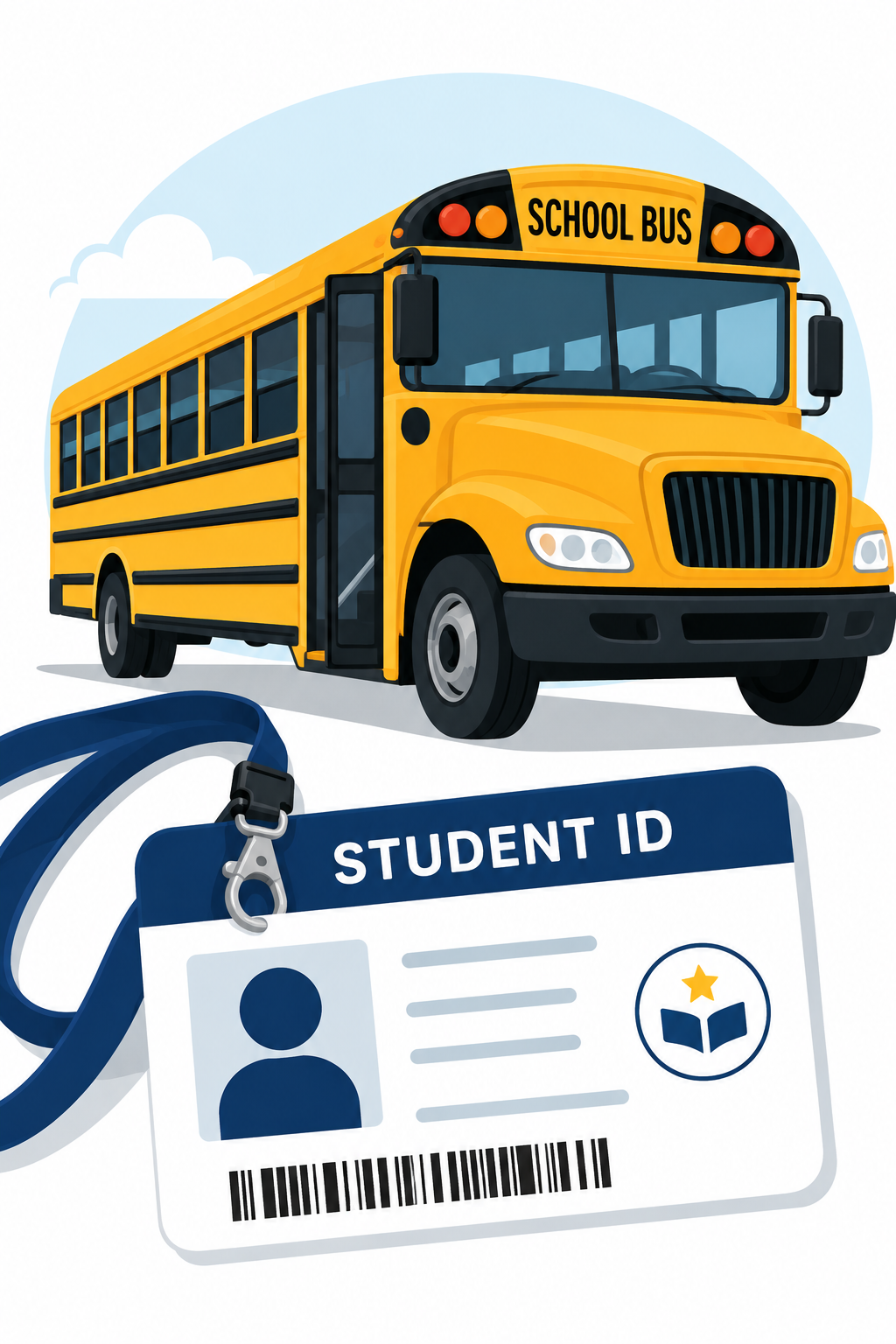 We are distributing student ID cards to all our students who ride the school bus or use FCPS transportation services.
ID cards should be worn or attached to your child’s backpack and brought to the bus each day.
Students who have student ID cards should begin tapping as they board and exit the bus. Only students who use FCPS transportation services will be provided with a student ID card at this time.
We ask for your patience!
Bus drivers are checking in students and may need some extra time at each bus stop while they do this. The transportation team is working hard to minimize any potential delays.
Learn more about the bus navigation and student ID cards.
Everything You Need to Do in SIS ParentVUE
 Are you working your way through back-to-school forms and checklists? Make sure you have a SIS ParentVUE account for your family and log in to find important forms and updates.
- Be among the first to know about weather closings, bus delays, and other critical communications from your school and FCPS by providing your cell phone number and email in ParentVUE. To update your contact information in ParentVUE, click the “Online Packets” tab in the upper right of the screen, then click the “Online Verification/Update” icon.
- Submit daylong absences by clicking “Report Absence.”
If you do not have a ParentVUE account, contact your child’s school for an activation code and follow the directions on the SIS ParentVUE Account webpage.
Please Complete Permission Forms for School Resources

Families can now easily grant consent for their children to access a variety of school resources through the Parent Digital Consent system. This online tool can be accessed using your SIS ParentVUE account login. Parents can easily opt their child in or out of a variety of resources, including online educational tools, school counseling services, and more.
Visit the Parent Digital Consent webpage to access the system. Watch this video to see how to use the tool.
Opt In or Out to Student Devices Being Sent Home for Grades 1-6
New this year, families can opt out of having student laptops sent home with their student.
- If you do not want your student to bring their FCPS-issued device home, please toggle the Opt Out button to a check mark and confirm by pressing Save Selection.
- If you would like your student to bring their FCPS device home, no toggle action is needed. Confirm by pressing Save Selection.
Students whose families opt out will continue to have access to an FCPS-issued device during the school day. Please reach out to your student’s teacher to understand expectations for homework and any learning activities that may require access to technology outside of the school day.
A Mesage From Your Music Teachers

We ask all 4th 5th & 6th grade students to bring their recorders back to school!
You may bring your recorder on your music class day, or any other regular class day.
Transportation Patience and Safety

Thank you for your patience as we all get used to new routines this school year. We appreciate our families following Kiss and Ride procedures and being patient while waiting for your child’s bus.
If your child’s bus is delayed, you may access the Bus Delay Notification System or use the Here Comes the Bus mobile app to receive the delayed bus report. Email messages will be sent to announce significant bus delays. Please contact the Transportation Office at [phone number] with any additional questions. For concerns after 5:30 p.m., contact the FCPS Office of Safety and Security at 571-423-2000.
Update your contact information in SIS ParentVUE to make sure you receive email messages about bus delays.
FCPS Mobile App
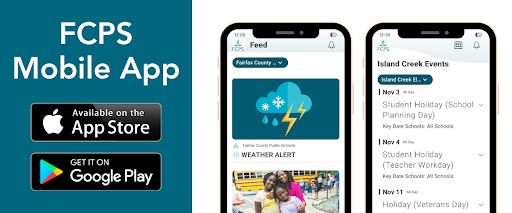
- Have Children in Multiple FCPS Schools?
|