|
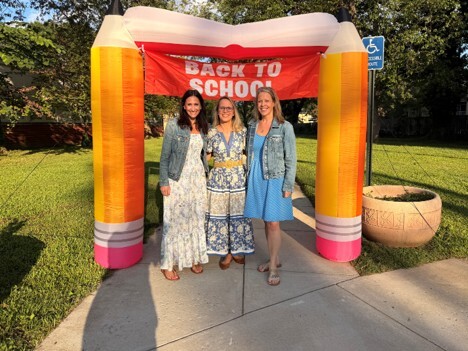
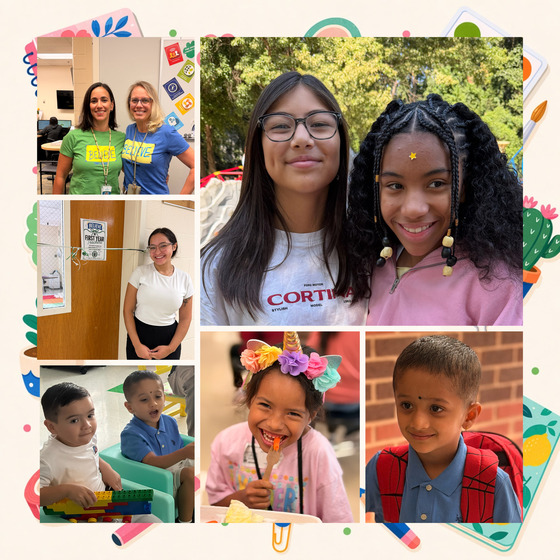
What a wonderful first week of school! Our students returned with excitement, curiosity, and enthusiasm, and our classrooms and hallways were once again filled with learning, laughter, and connection.
We are incredibly grateful to our teachers and staff for creating such a warm and welcoming start, and to our families for helping students arrive ready to learn each day. It has been wonderful to see students building relationships, learning new routines, and becoming part of their classroom communities.
We are excited about the great year of learning ahead and look forward to partnering with you to help every Bobcat grow, thrive, and succeed!
Nikki Yacubovich, Principal
Jennifer Ganci, Assistant Principal
Melissa Wallace, Assistant Principal
We will be distributing student ID cards to all our students who ride the school bus or use FCPS transportation services. Students will be given their ID card on Monday, August 31.
ID cards should be worn or attached to your child’s backpack and brought to the bus each day. We will ask your child to put their student ID card away until the end of the day.
Students who have student ID cards should begin tapping as they board and exit the bus. Only students who use FCPS transportation services will be provided with a student ID card at this time.
We ask for your patience! Bus drivers are checking in students and may need some extra time at each bus stop while they do this. The transportation team is working hard to minimize any potential delays.
Learn more about the bus navigation and student ID cards.
Are you working your way through back-to-school forms and checklists? Make sure you have a SIS ParentVUE account for your family and log in to find important forms and updates.
- Be among the first to know about weather closings, bus delays, and other critical communications from your school and FCPS by providing your cell phone number and email in ParentVUE. To update your contact information in ParentVUE, click the “Online Packets” tab in the upper right of the screen, then click the “Online Verification/Update” icon.
- Submit daylong absences by clicking “Report Absence.”
If you do not have a ParentVUE account, contact your child’s school for an activation code and follow the directions on the SIS ParentVUE Account webpage.
Families can now easily grant consent for their children to access a variety of school resources through the Parent Digital Consent system. This online tool can be accessed using your SIS ParentVUE account login. Parents can easily opt their child in or out of a variety of resources, including online educational tools, school counseling services, and more.
Visit the Parent Digital Consent webpage to access the system. Watch this video to see how to use the tool.
Opt In or Out to Student Devices Being Sent Home for Grades 1-6
New this year, families can opt out of having student laptops sent home with their student.
- If you do not want your student to bring their FCPS-issued device home, please toggle the Opt Out button to a check mark and confirm by pressing Save Selection.
- If you would like your student to bring their FCPS device home, no toggle action is needed. Confirm by pressing Save Selection.
Students whose families opt out will continue to have access to an FCPS-issued device during the school day. Please reach out to your student’s teacher to understand expectations for homework and any learning activities that may require access to technology outside of the school day.
Thank you for your patience as we all get used to new routines this school year. We appreciate our families following Kiss and Ride procedures and being patient while waiting for your child’s bus.
If your child’s bus is delayed, you may access the Bus Delay Notification System or use the Here Comes the Bus mobile app to receive the delayed bus report. Email messages will be sent to announce significant bus delays. Please contact the Transportation Office at 703-446-2050 with any additional questions. For concerns after 5:30 p.m., contact the FCPS Office of Safety and Security at 571-423-2000.
Update your contact information in SIS ParentVUE to make sure you receive email messages about bus delays.
The Fall Social and Emotional Learning (SEL) Screener will be administered to students in grades 3 through 12 in October. Students use the SEL Screener twice a year to share their perspectives on how well their school and community help them develop skills they need to succeed. The screener works by asking questions or presenting statements that students can think about and respond to. This gives students a way to share how well their school community makes them feel valued, included, and supported.
After each screening, results are available in the Documents tab of SIS ParentVUE and mailed to families without a ParentVUE account. For more information, including SEL Screener questions and opt-out information, please visit the Social-Emotional Learning (SEL) Screener webpage.
September 4-7: Labor Day Break
September 17: Back to School Night (5:00-6:30)
September 18: PTA Dance
September 30: 3-Hour Early Release
October 8: AAP Continuum of Services
November 12: Full-Time AAP Identification
November 18: 3-Hour Early Release
January 13: 3-Hour Early Release
April 7: 3-Hour Early Release
Grade Level Supply Lists
Bell Schedule
Attendance Procedures
Pine Spring PTA
Pine Spring Website
Early Release Wednesdays
|