Start typing at the speed of thought |
|
|
| Time to start talking and let Flow handle the typing. You've just unlocked the world's fastest and most accurate voice-to-text. |
|
|
|
We’re building new habits, and this one you’ll actually want to keep. |
|
|
|
|
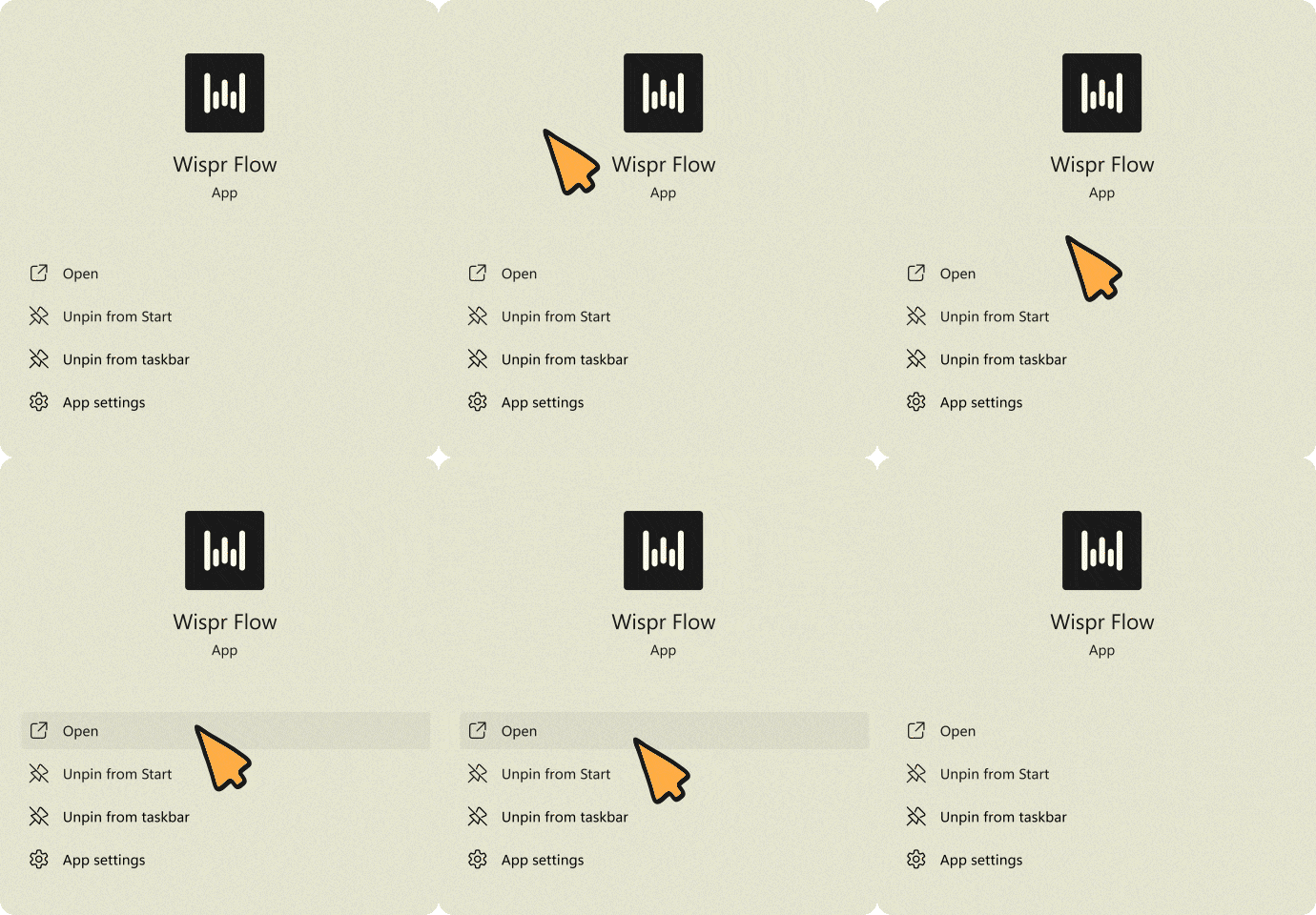
To prepare for dictating, launch Flow, and keep it running in the background. It’ll be ready whenever you need. |
|
|
|
|
| Step 2: Find any text box |
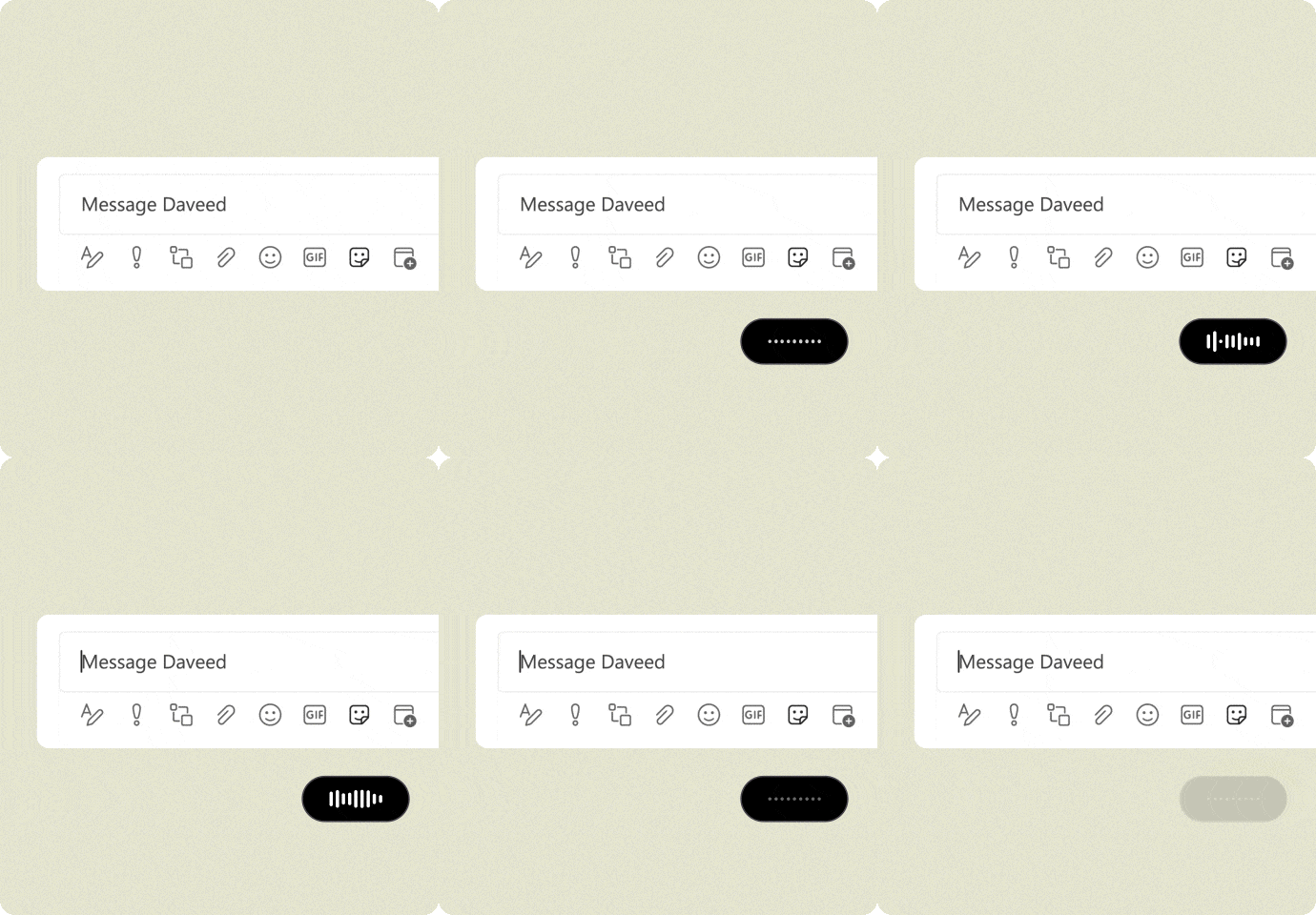
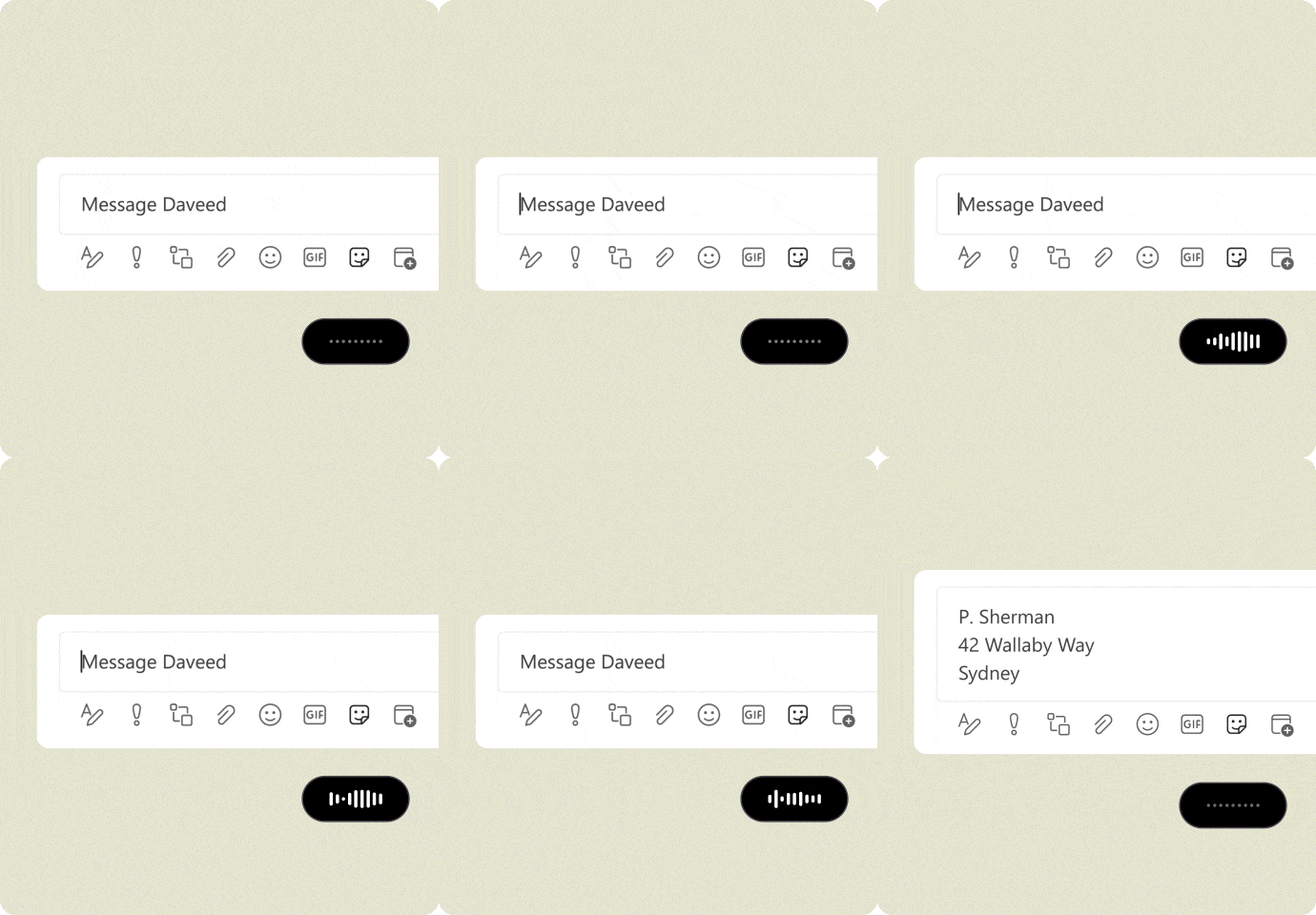
Go to type, but instead press your keyboard shortcut (default: Ctrl + Alt). The Flow bar at the bottom of your screen will wiggle. |
|
|
|
| You can even whisper, and Flow will hear you loud and clear. Release Ctrl + Alt when you’re done. |
|
|
|
From Tanay, our co-founder and CEO |
|
|
|
|
“We built Wispr Flow to make typing faster and more natural through voice. This is for all you who want to work at the speed of thought and take back control of your time. Thank you for being part of this shift.” |
|
|
|
Flow knows 100+ languages and auto-detects what you’re speaking! For best results though, set preferred languages in your settings and start a new recording if you switch languages. |
|
|
|
Note: On your Flow Basic plan, you'll be limited to 2k words per week on desktop. You can upgrade to Flow Pro at any time to unlock unlimited dictation.
— Written with Wispr Flow
|
|
|
|
|
©2026 Wispr AI, Inc.
444 Townsend St., San Francisco, CA 94107
|
|
|
|
|
|

_01KGZC8MH12S7FR9N54FRJCJ6P.png)