
|
Claude Code for Non-Techies: The Absolute Beginner’s Guide
Start here if you’ve never written a line of code (and don’t want to)
|


| |||||||||||||||


Most people never open Claude Code (even though it’s in the Claude app they already use).
They see the word “code” and assume it’s only for IT guys.
Truth is, it’s for anyone who’s ever been told “I can’t do that” by regular Claude, or who wants to see what Claude can really do. To name a few:
The work: Claude Chat tells you the steps. Claude Code does them.
Your files: Cowork can’t open some folders on your computer. Claude Code can open almost all of them.
Tools: Cowork works with what it has. Claude Code downloads what it’s missing and runs it.
To show you, I sat down with Diana Dovgopol. She has no technical background, and she had never opened Claude Code:
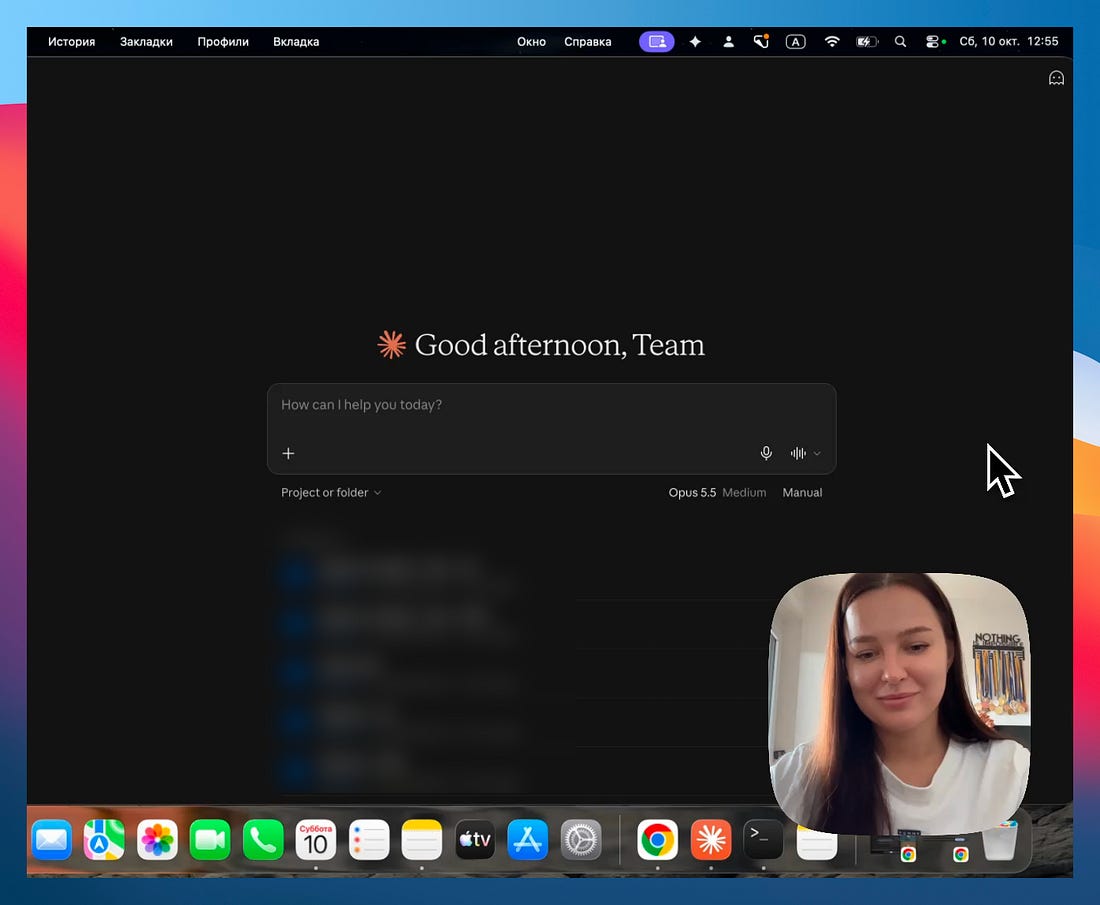 |
If that sounds like you, this guide is written for you. By the end of our session, Claude Code had done a task for her that regular Claude refused.
We had a 54-minute session on her fresh computer, so we hit the same problems you will, and I kept the parts you need to start on your own. This guide walks you through each one, with a screenshot for every step, so you can follow along on your own computer. The complete video is at the end.
In this guide, you’ll learn:
What changes when you use Claude Code
The one habit that teaches you Claude Code and gets you unstuck
How to open Claude Code in the app you already use, with nothing to install
How to use Claude Code safely
One task Claude Code did that regular Claude refused
Your first tasks with Claude Code
Two things before we start:
1. Save this guide, and open Claude Code once before the week is over.
2. Send it to a colleague who thinks Claude Code is only for programmers.
PS: This newsletter grows mostly from people like you sharing it. Every share helps me keep writing guides like this one.
Claude vs Claude Code
Regular Claude (chat or Cowork) and Claude Code run the same model. Same brain, same answers.
The main difference is how much they can do on your computer.
Claude Cowork works in a safe sandbox. You give it a folder, and it works inside that folder. That makes it very safe, but also limited.
Diana asked me about this right away:
“So Claude Code gets access to the whole computer?”
Almost. Think of regular Claude as a guest you let into one room. Claude Code has the keys to the house, but it still knocks before opening a few doors.
That’s what makes it more powerful, and it’s also why there’s a section on using it safely below.
You can use Claude Code in three places:
The Claude app: the same app you use for Claude chat or Cowork, on its
</>side.The terminal: a plain window where you type instead of click.
A code editor: the app programmers write code in, like VS Code (I rarely use this option)
Start with the Claude app. For most people, it’s all they’ll ever need.
And if one day the app starts to feel small, the terminal or code editor will still be there.