|
English | Español | አማርኛ | 中文 | 한국어 | Tiếng Việt | العربية | فارسی | اردو
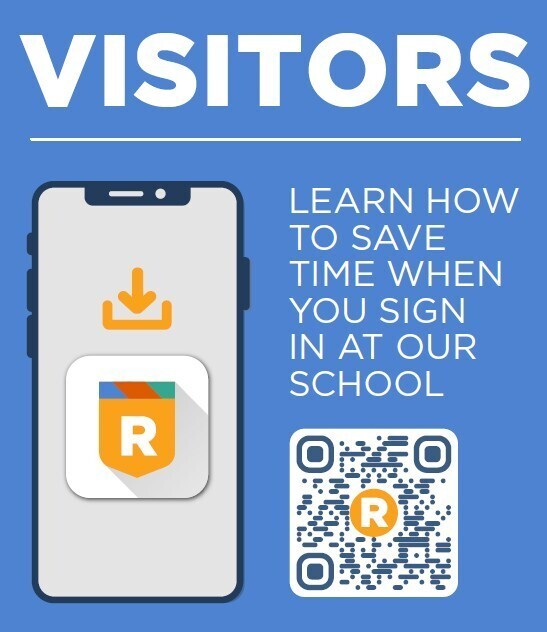 New Visitor Sign-In System - Raptor is Here!
We’re excited to share that we now have a brand-new sign-in system in our main office using the Raptor application! For the most part, the system works just like our previous visitor management system — only better. One great new feature is the ability to create your own Raptor Passport for a faster, more streamlined sign-in experience.
Here’s how to get started:
- Download the Raptor Safe app on your smartphone.
- Scan the QR code (located in the main office) to begin creating your Raptor Passport.
- Complete the setup process in the app.
Once your Raptor Passport is created, you’ll be able to check in using just your cellphone — no ID required!
We encourage everyone who frequently visits our building to set up their Raptor Passport in advance to make future check-ins quick and easy.
If you have any questions, please contact the main office at 571-642-6300.
|