|
|
Edge is dropping Manifest V2. What about your ad blocker?
|
|
|
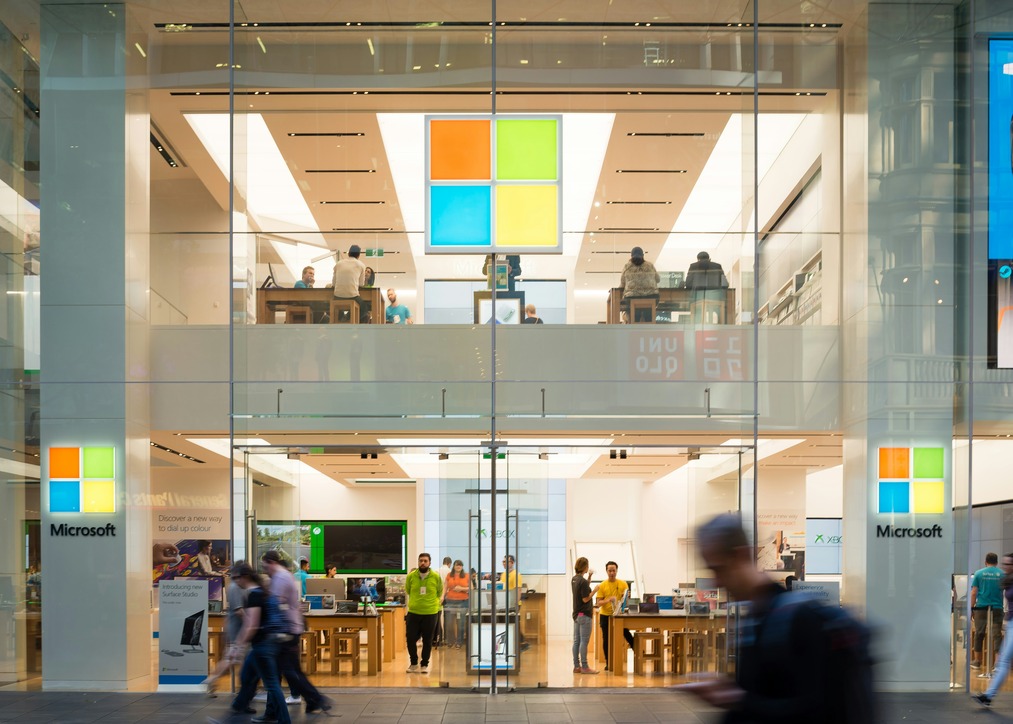
Most people just want their ad blocker to work without having to think about the browser rules behind it. But those rules matter when the browser maker decides to rewrite them. That is exactly what Microsoft is doing now: Edge is phasing out Manifest V2, the older extension system many powerful ad blockers rely on. Its replacement, Manifest V3, won’t kill ad blocking, but it does mean fewer rules, less flexibility, and slower updates. Big projects can work around much of this; smaller ones may not.
For AdGuard users, there’s no need to reinstall anything. The current Edge extension will keep working while MV2 does, and we plan to bring the MV3 version to Edge before the phaseout reaches regular users. And if you’d rather not have your protection depend on what any one browser allows, there are options for that too.
|
|
|
|
New on the blog
|
Your desktop apps are busier than they look
|
|
In our new research, 18 popular Windows apps made nearly 5,000 requests in just a few minutes, including 300+ tied specifically to tracking and ads. More than 1 in 4 apps sent telemetry even while idle. We dug into what all that background chatter means for your privacy, and why browser-only protection may not be enough.
|
|
|
|
|
|
|
Who gets the final say?
|
Your Start menu is ad space now
|
|
Microsoft put promoted apps into the Windows 11 Start menu and experimented with more promotions elsewhere. You can switch some of them off, but having to opt out of ads inside your own operating system is a strange definition of user choice.
|
|
|
|
|
|
Cookies may be leaving Edge. Tracking isn’t.
|
|
Microsoft has been working on a more privacy-focused alternative to third-party cookies, aiming to reduce cross-site tracking without giving up targeted ads. But for users, the basic deal still feels familiar: less obvious tracking, more complicated ad tech, and a lot of trust in something happening out of sight.
|
|
|
|
|
|
Microsoft Store or direct download? You can choose
|
|
Installing AdGuard through the Microsoft Store gives you a familiar, trusted place to get the app, keep it updated, and reinstall it later if needed. Or you can keep downloading it directly from AdGuard as before: the protection and your subscription work the same either way.
|
|
|
|
|
|
|
What caught our eye
|
|
|
AdGuard news
|
|
|
|