Slide Maker is here.
|

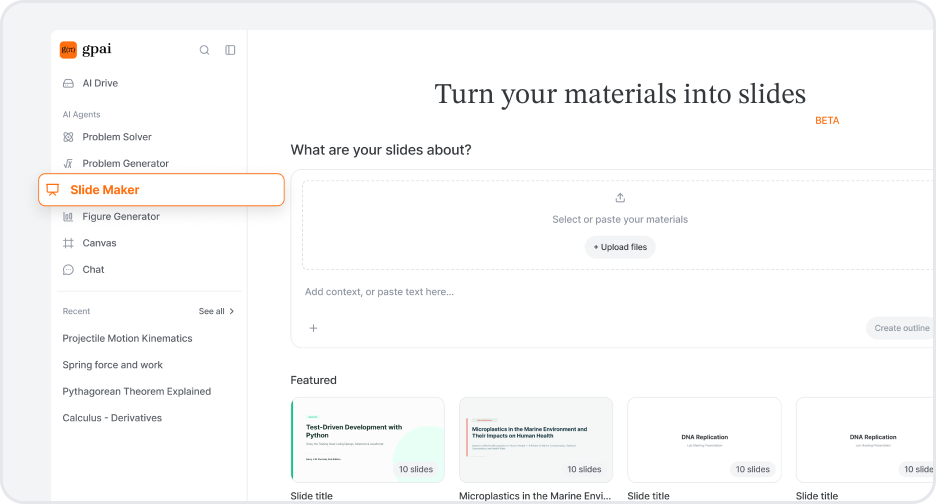
| Make a deck → |

AI Drive — everything you study, in one place
Keep your lecture notes, PDFs, and assignments inside GPAI instead of digging through your downloads folder every time. Click a file and it opens right there — nothing downloads, nothing sends you elsewhere.
Open the chat beside a file and just ask. It already knows which file and which page you're on, so "explain this part" works without pasting anything in.
Every file uploaded once is available inside Problem Solver, Problem Generator, Figure Generator, and Chat via Choose from AI Drive.

Ask GPAI anything — from lecture notes, assignments, exam prep |

Compare multiple AI answers and get the best result |
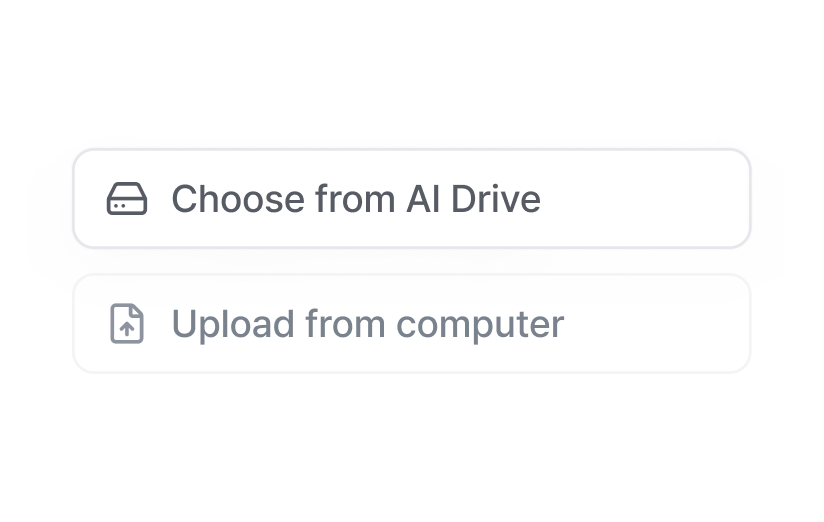
Upload your materials once — your agents can use them again and again |
| Open AI Drive → |
|
Questions? help@gpai.app © 2025 Team Turing. All rights reserved. |