 |
Three practical ways to use AI with Xmind |
Whether you’re exploring a new topic or starting a project, use AI with Xmind to organize your thinking and put your ideas into practice. |
| Explore Xmind now |
Get your work done with less effort |
|
|
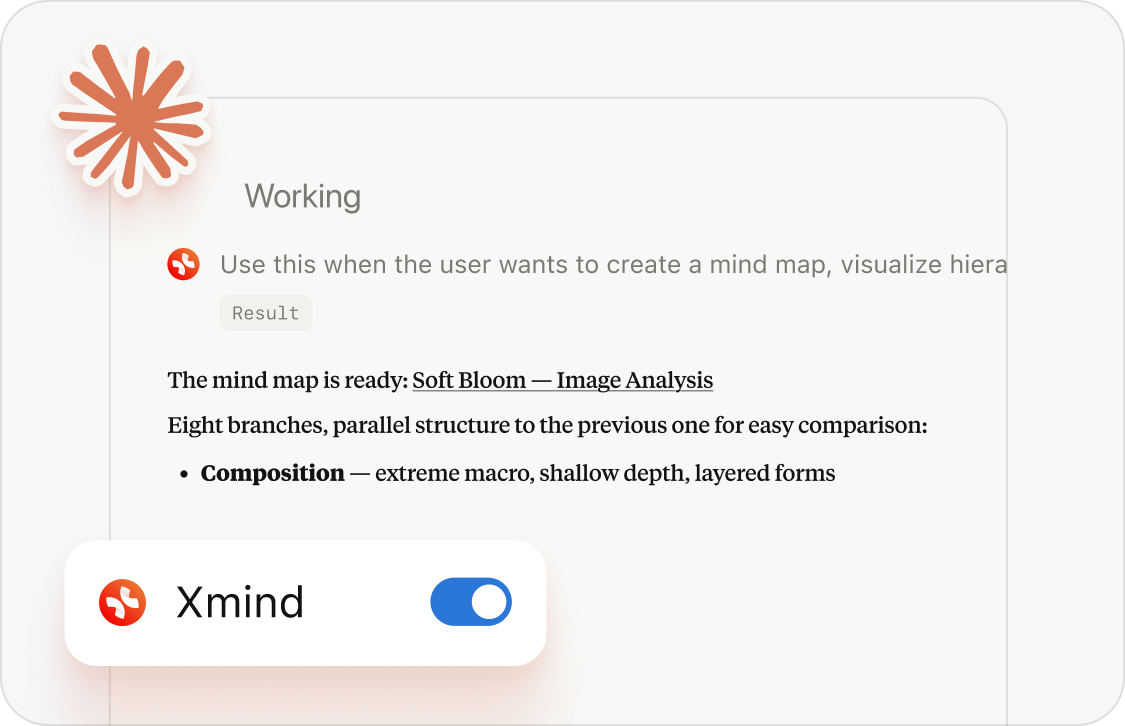
Map ideas with your AI assistant |
Researching in ChatGPT or Claude? Connect Xmind MCP Server, then ask your assistant to create a mind map or refine an existing one—adding findings and reorganizing ideas as you explore.
|
|
|
Break projects into tasks |
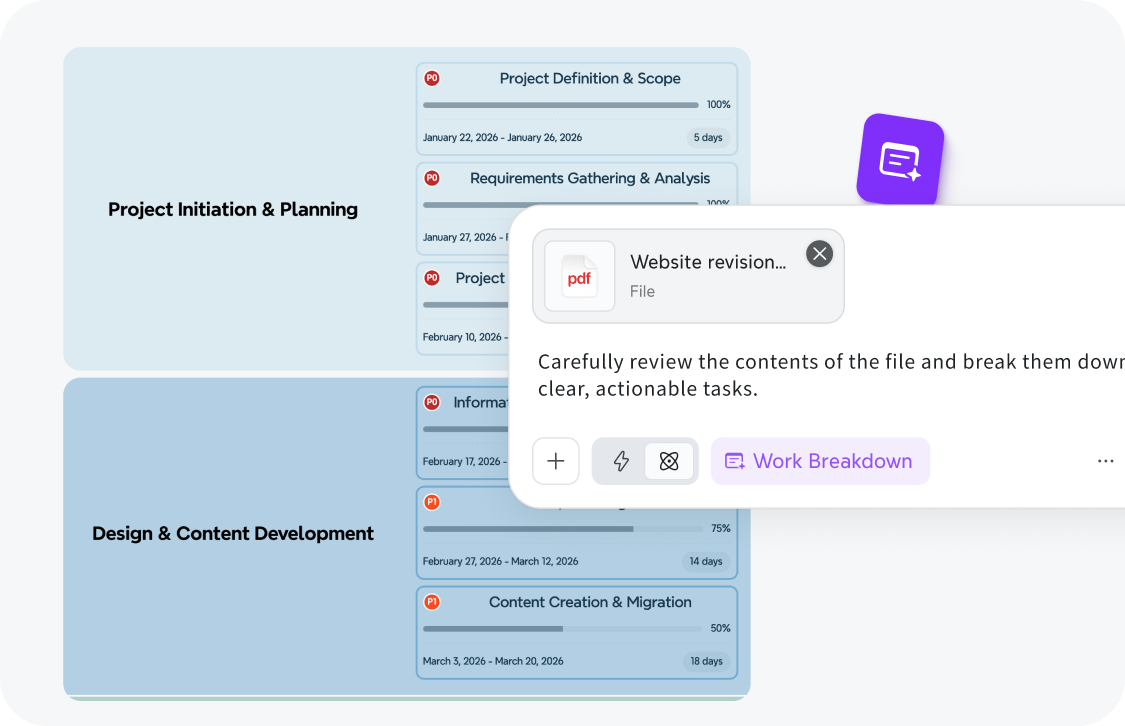
Not sure where to start on a class or team project? Describe your goal and let AI Work Breakdown suggest smaller tasks, then adjust the plan to fit your needs and choose your first step.
|
|
|
Break projects into tasks |
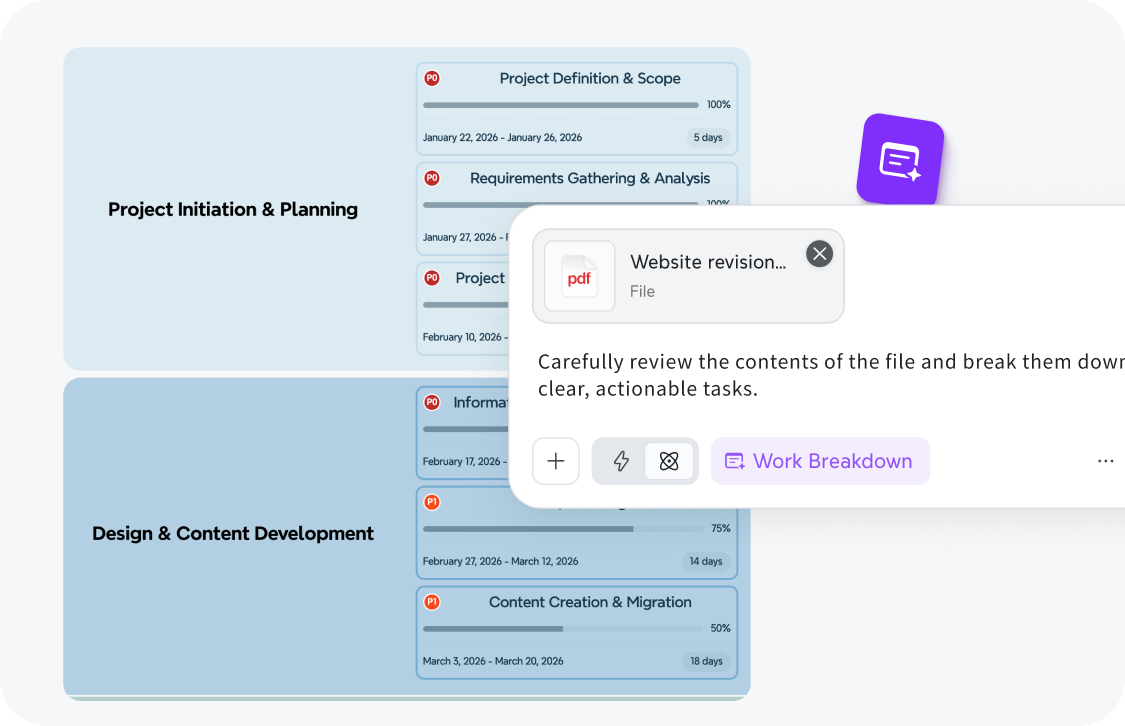
Not sure where to start on a class or team project? Describe your goal and let AI Work Breakdown suggest smaller tasks, then adjust the plan to fit your needs and choose your first step.
|
|
|
Share your ideas with a video |
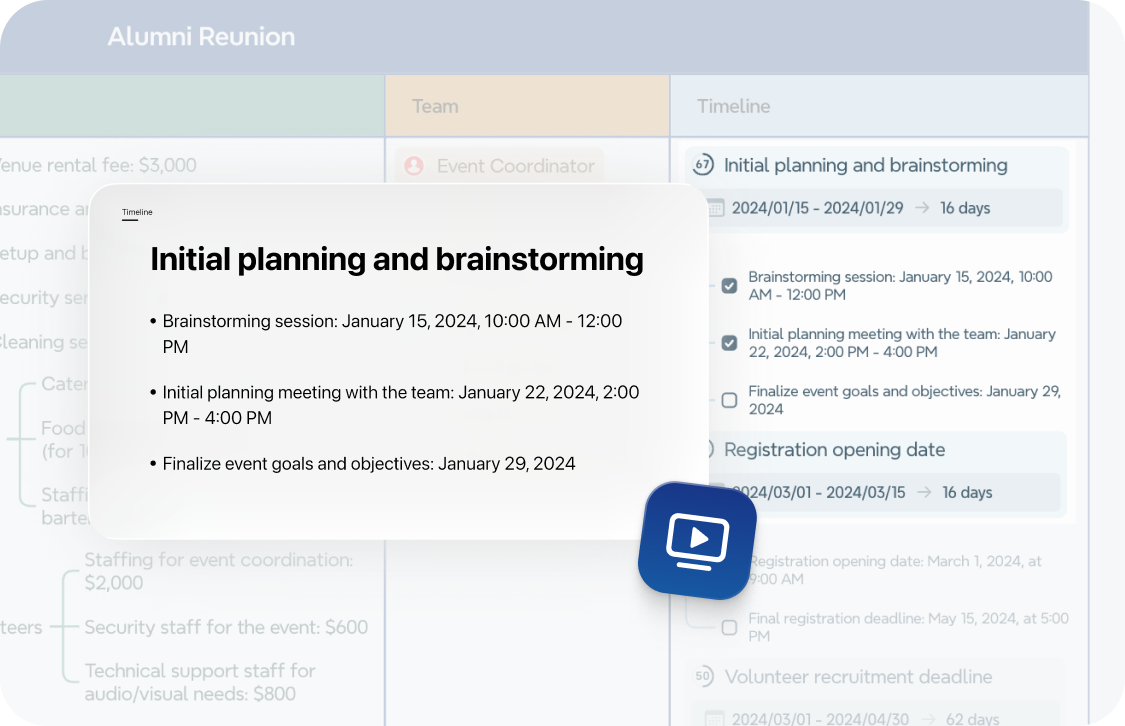
Someone missed the discussion? Turn your mind map into a Pitch Video for classmates or teammates to watch in their own time, so everyone can catch up before the next conversation.
|
|
|
Let Xmind help you organize what you learn, plan what comes next, and share what you know.
|
|
|
Bring Xmind into your next project |
Start with a topic or project, and try one of these approaches with Xmind. |
| Explore Xmind now |
|
|
|
|
|
|
Bring Xmind into your next project |
Start with a topic or project, and try one of these approaches with Xmind. |
| Explore Xmind now |
|
|
|