New Post: Current State vs Future State Presentation
 

We have published a new article in our blog.


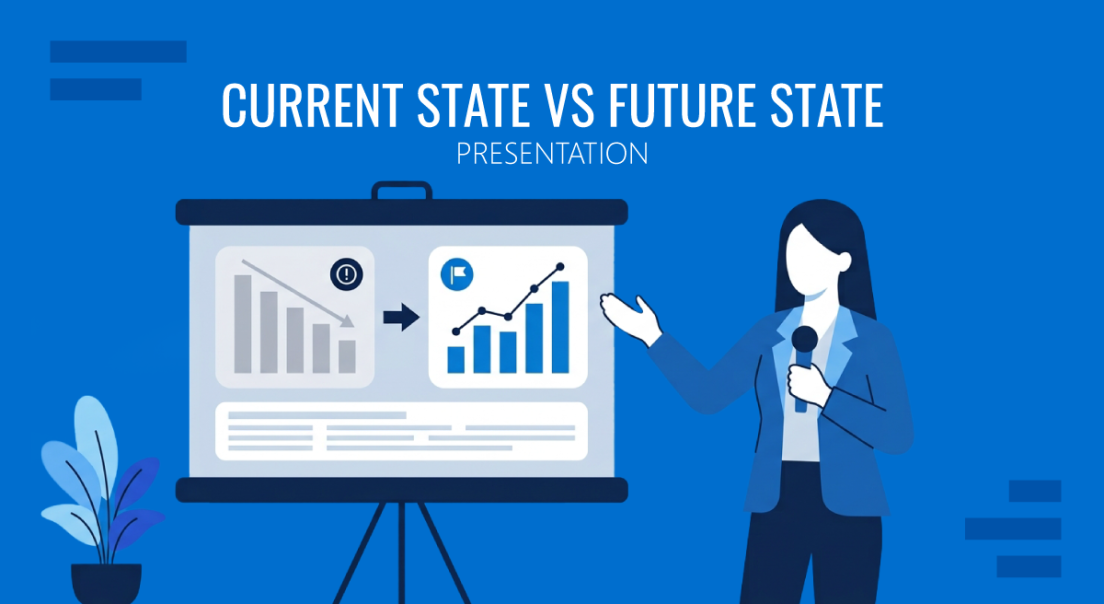
Current State vs Future State Presentation

Current State vs Future State Presentation

A current state vs future state presentation only works when both columns hold up under scrutiny: current state grounded in data, future state tied to a named mechanism and date.

Read Full Article


Recently added templates


Rocket Infographics PowerPoint Template

View & Download
Rocket Infographics PowerPoint Template?smmkt=bmllQG5pZXBvZGFtLnBsfDIwMjYtMTAtMDg%3D


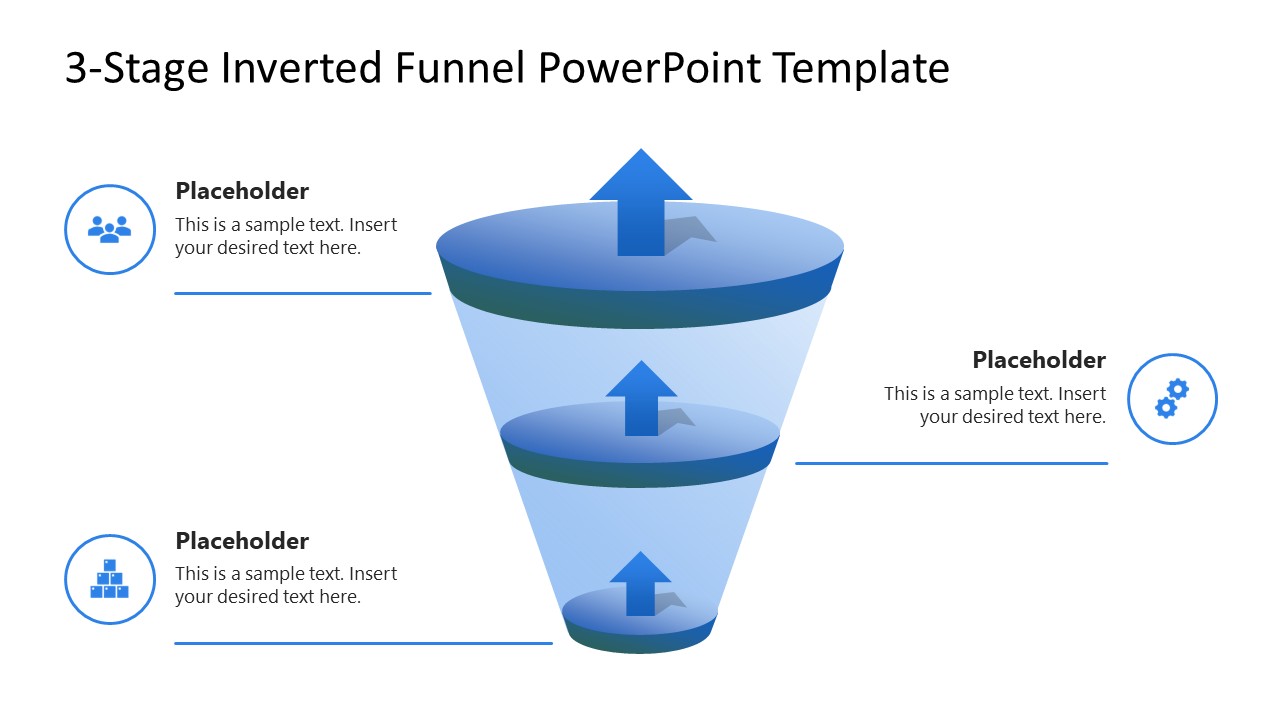
3-Stage Inverted Funnel PowerPoint Template

 
View & Download
3-Stage Inverted Funnel PowerPoint Template


In case you missed it

Previous articles from our blog:


How to Link Slides in PowerPoint

Want a more dynamic presentation? Here’s how to link slides in PowerPoint for smoother, smarter navigation.

 Read more +
How to Link Slides in PowerPoint


How to Convert a Presentation into a Podcast-Style Summary

Your slides hold more value than one live showing. Here’s how to transform a presentation into a podcast-style summary that keeps your ideas working for you.

 Read more +
How to Convert a Presentation into a Podcast-Style Summary


Latest PowerPoint Templates

Latest PowerPoint templates

Check out some of our latest templates, 100% Editable and ready to use in your presentations.

See latest templates


Do you have any questions?
Contact our 24/7 Support Center: support@slidemodel.com
Feel free to email us at any time.


Newsletter issue #300. You have received this email because you have subscribed to SlideModel as nie@niepodam.pl. If you no longer wish to receive emails please unsubscribe. © 2026 SlideModel, All rights reserved.