New Post: How to Beautify Slides in Google Slides
 

We have published a new article in our blog.


How to Beautify Slides in Google Slides

How to Beautify Slides in Google Slides

AI-assisted design is now built into Google Slides. Discover how the Beautify feature works, what results to expect, and how to get the most out of it.

Read Full Article


Recently added templates


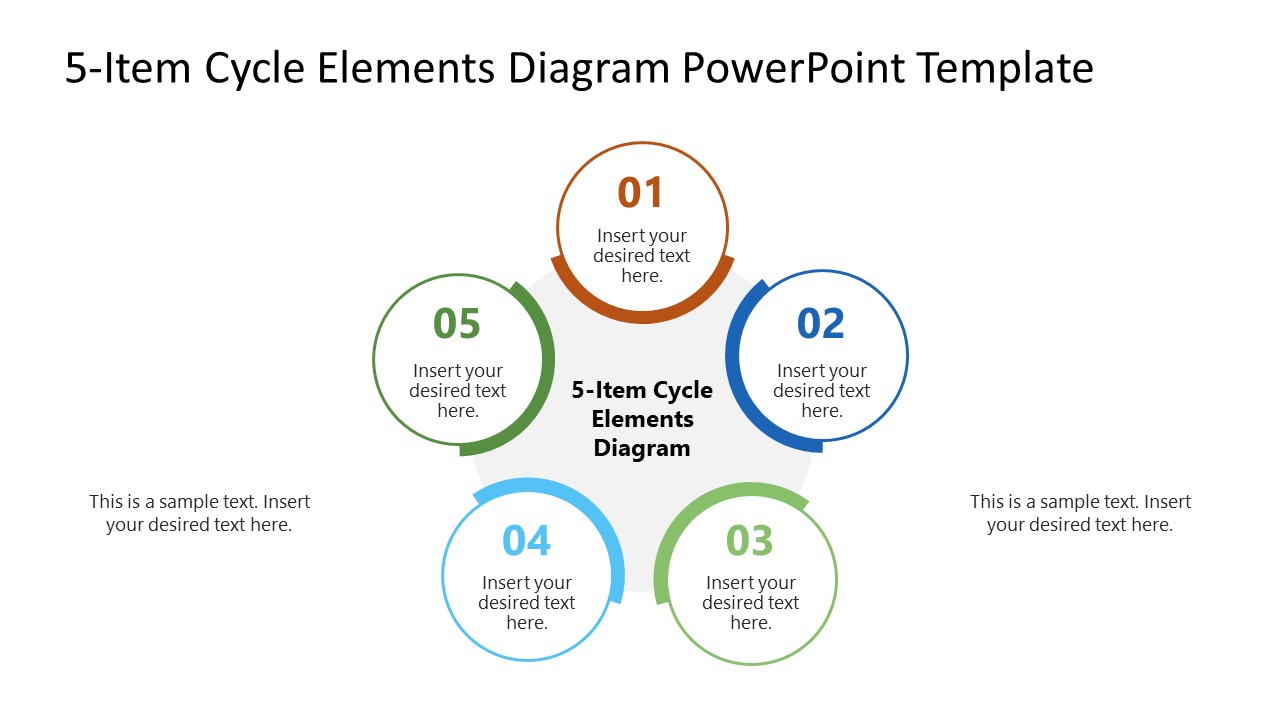
5-Item Cycle Elements Diagram PowerPoint Template

View & Download
5-Item Cycle Elements Diagram PowerPoint Template?smmkt=bmllQG5pZXBvZGFtLnBsfDIwMjYtMTAtMjk%3D


Pixel Perspective PowerPoint Template

 
View & Download
Pixel Perspective PowerPoint Template


In case you missed it

Previous articles from our blog:


Choropleth Maps for Presentations

Color-coded regions communicate what raw numbers can’t. Discover the practical side of choropleth maps and what makes them so effective in front of an audience.

 Read more +
Choropleth Maps for Presentations


How to Use Format Painter in PowerPoint

Consistent formatting across slides shouldn’t mean hours of manual work. Find out how Format Painter in PowerPoint can copy styles in just a few clicks.


 Read more +
How to Use Format Painter in PowerPoint


Latest PowerPoint Templates

Latest PowerPoint templates

Check out some of our latest templates, 100% Editable and ready to use in your presentations.

See latest templates


Do you have any questions?
Contact our 24/7 Support Center: support@slidemodel.com
Feel free to email us at any time.


Newsletter issue #303. You have received this email because you have subscribed to SlideModel as nie@niepodam.pl. If you no longer wish to receive emails please unsubscribe. © 2026 SlideModel, All rights reserved.